
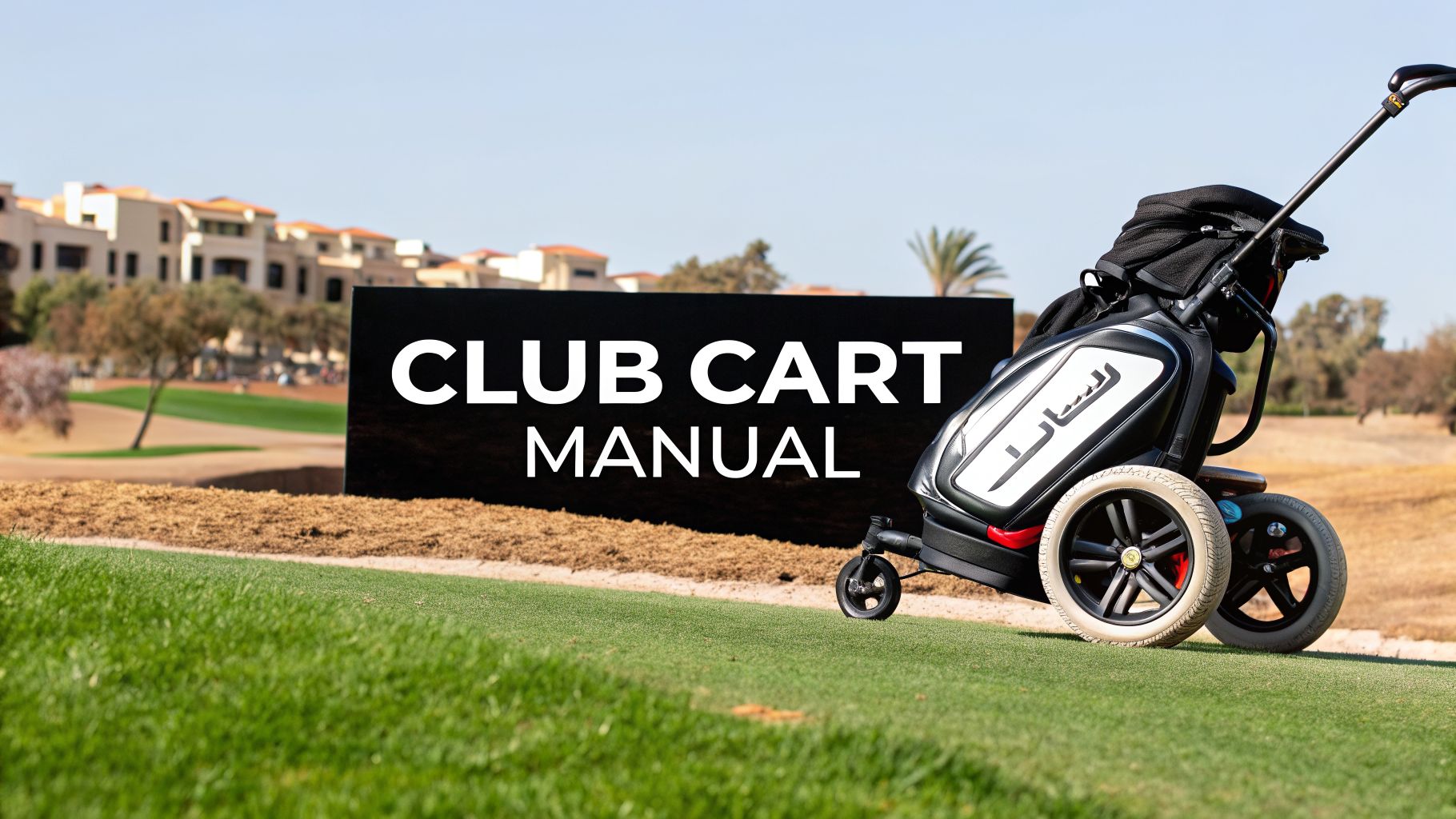
Walking the course is one of golf's purest joys, but let's be honest—lugging a heavy cart up and down hilly fairways can feel more like a workout than a relaxing round. This is where the Caddie Wheel comes in. It's a simple, powerful motorized wheel designed by golfers who get it.
This guide is your personal club cart manual. We'll show you exactly how to turn your favorite push cart into a self-propelled caddie, so you can save your energy for the shots that actually count.
Transform Your Game with a Motorized Upgrade

This isn't about getting rid of the push cart you already know and love. It’s about making it better. We'll walk you through everything, from checking your cart's compatibility to mastering the remote and keeping your Caddie Wheel in top shape for years to come.
More and more golfers are choosing to walk the course for the health benefits and pure enjoyment of the game. That trend is backed by some serious numbers—the global market for golf push carts was valued at around USD 300 million in 2023 and is on track to hit USD 530 million by 2033. North America alone is driving over 42% of that growth.
The Caddie Wheel fits perfectly into this movement. It offers a smart compromise: you still get the great exercise of walking, but without the physical grind of shoving a heavy bag over 18 holes, especially on those killer hills.
A Smart and Simple Upgrade
Converting your current cart is a much smarter move financially than buying a brand-new, fully electric caddie. The Caddie Wheel gives you a powerful electric boost for a fraction of the cost, honoring the investment you've already made in a cart you trust.
Here’s a quick summary of the key features and benefits you'll unlock with your Caddie Wheel.
| Feature | Benefit |
|---|---|
| Drop-On Installation | Get set up in minutes with a simple wheel and snap-in bracket. |
| Intuitive Remote | Control forward, reverse, and braking right from your fingertips. |
| Long-Lasting Battery | Play up to 36 holes on a single charge, even on long golf days. |
| Wide Compatibility | Fits a huge range of popular push cart models you already own. |
| Cost-Effective | Enjoy the perks of an electric caddie without the premium price tag. |
This powerful yet simple system is a true game-changer for walking golfers.
With this system, the focus shifts from the physical labor of pushing your cart to the mental game of golf. It’s about saving your energy for the next shot, not wrestling your gear up a steep fairway.
This guide will serve as your complete club cart manual for every part of the Caddie Wheel experience. You’ll find easy-to-follow instructions and practical tips to help you get the most out of this simple but effective upgrade.
For a deeper look into the world of powered carts, check out our guide on the https://caddiewheel.com/blogs/golf-content/motorized-push-carts.
Confirming Compatibility with Your Push Cart
Before you can motorize your walk down the fairway, the first thing to do is make sure the Caddie Wheel and your current push cart are a perfect match. The good news? The system was designed to work with a huge range of popular three and four-wheel push carts. A few quick checks will ensure you get a frustration-free installation and reliable power on the course.
The whole system hinges on your cart’s rear axle. Most modern push carts from go-to brands like Clicgear, Bag Boy, Sun Mountain, and CaddyTek have a standard, straight, round axle where the wheels pop off easily. This is exactly the kind of setup you’re looking for.
Identifying Your Axle Type
Go take a quick look at the back wheels of your cart. Do they come off with a simple push-button or a release clip? If they do, you're almost certainly in business. The Caddie Wheel is designed to replace one of your existing rear wheels by sliding directly onto that axle.
Carts that are a definite no-go include those with:
- Fixed wheels that are bolted on and cannot be removed.
- Complicated braking systems that are built directly into the wheel hub itself.
- Oddly shaped or non-standard axle designs (e.g., square or heavily curved).
If your cart features a simple, accessible axle, you're good to go. This straightforward design is a big reason manual carts are still so popular. In fact, manual golf push carts continue to hold about 70% of the segment share in major markets because they're affordable, simple, and perfect for power-assist upgrades like this one. You can explore more data on golf cart market trends to see why this is the case.
Pro Tip: Before you order, pop one of your rear wheels off and snap a quick, clear photo of the axle. If you have any doubts about compatibility, having that picture handy when you contact support can save a lot of time.
Key Dimensions and Cart Prep
Once you’ve confirmed the axle is the right type, there are just a couple of other things to check. The Caddie Wheel is made to fit the standard axle diameters on the vast majority of carts, but you’ll want to make sure there's enough clearance for the motor housing.
You only need a few inches of clear space between where the wheel hub sits and the cart's frame. This is rarely a problem. For example, a Clicgear Model 4 has tons of room, and so do most Bag Boy Nitron or Sun Mountain Speed Cart models.
Finally, a little prep work can make a big difference. Before you install the Caddie Wheel, take a minute to clean your cart's axle.
- Remove Both Rear Wheels: Use the push-button releases to pop off both of your cart’s rear wheels.
- Wipe Down the Axle: Grab a clean, dry cloth and wipe down the entire axle. Get rid of any built-up dirt, grass clippings, or old grease.
- Check for Damage: Give the axle a quick visual once-over. Look for any significant rust or dings that could get in the way of the new wheel.
This simple prep ensures a solid, secure connection, which is crucial for the motor to transfer power without slipping. A clean surface gives you the best possible fit and a great foundation for your new Caddie Wheel. No special tools needed—just a rag and a few minutes of your time. With a compatible and clean cart, you're all set for the drop-on installation.
A Practical Guide to Caddie Wheel Installation
Alright, with a compatible and prepped cart, you’re ready for the fun part. This is where you’ll transform your trusty push cart with the signature ‘drop-on’ and ‘snap-in’ Caddie Wheel installation.
The best part? The whole thing is designed to be done in just a few minutes, right at your car or in the staging area. No toolbox, no technical wizardry required. You're simply swapping one of your cart's rear wheels for the motorized Caddie Wheel and attaching a small bracket.
Installing the Motorized Wheel
First things first, make sure your cart is on a stable, flat surface with the brake locked. Pop off one of the rear wheels by pressing its release button, just like you normally would. Set that old wheel aside—you won’t need it, but it’s always smart to hang onto it as a backup.
Now, grab your new Caddie Wheel. You’ll see the axle receiver right in the center, which is made to slide right onto your cart’s axle. Just line it up and push the wheel on until you hear a solid "click."
That click is your confirmation that the wheel is locked in and secure. Give it a gentle pull just to be certain it’s fully engaged. And just like that, the ‘drop-on’ part is done.
Securing the Battery and Control Bracket
Next up is the ‘snap-in’ part. The Caddie Wheel system uses a single, clever bracket that holds both the battery and the control unit. This bracket is designed to clip right onto one of the vertical support tubes on your cart’s frame, usually down low near the rear axle.
The bracket uses a spring-loaded clamp, so all you have to do is:
- Find a good spot: Hold the bracket against a sturdy vertical tube on your cart’s frame. Placing it lower helps keep the cart’s center of gravity nice and low.
- Push it on: Apply firm pressure and push the bracket against the tube until the clamp "snaps" shut around it. You'll feel it lock right into place.
- Give it a wiggle: Once it's on, try to move the bracket around. It should feel completely solid and not rotate or slide. If it feels a bit loose, try a different section of tubing that offers a tighter grip.
Expert Tip: Before snapping the bracket on, think about your cable. Position the bracket on the same side as your new Caddie Wheel. This keeps the power cable short, neat, and out of the way of your feet and any low-hanging branches.
Here are a few common issues you might run into during setup and how to solve them instantly.
Quick Fixes for Common Installation Hurdles
| Issue | Solution |
|---|---|
| The wheel doesn't "click" on. | Ensure the axle is clean and free of debris. Apply firm, even pressure. Sometimes a little wiggle as you push helps it seat correctly. |
| The bracket feels loose on the frame. | Find a thicker section of your cart's tubing. Most carts have varying tube diameters, and finding a snugger spot is usually all it takes. |
| The remote won't pair. | Double-check that the battery is turned on. Make sure you're holding both the "Forward" and "Reverse" buttons down simultaneously for a full three seconds. |
Once the bracket is secure, it's time to connect the power. Route the single power cable from the wheel's motor up to the control unit on the bracket. Tuck it neatly along your cart's frame, using the included clips to keep it from dangling. A clean setup is a reliable setup on the course. To see the tech behind this simple but powerful design, you can learn more about how a single wheel hub motor kit drives your entire round.
Pairing the Remote and Final Checks
Turn on the battery by pressing the power button on the bracket. Now, grab the remote and press and hold the "Forward" and "Reverse" buttons at the same time for about three seconds. The remote’s LED will flash, and you’ll hear a beep from the control unit. That’s it—pairing complete.
This quick flowchart is a great reminder of the pre-installation check to make sure you're set up for success.

As you can see, a successful installation really starts with confirming your cart's axle, measuring for clearance, and making sure the cart is prepped and ready.
Finally, attach the remote holder to your cart’s handle for easy access while you walk. Before loading up your bag, give it one last test run. With the cart empty, press the forward button to make sure the wheel responds. Check the reverse and brake functions, too.
And that's all there is to it. Your push cart is now officially upgraded and ready for the course.
Mastering the Remote and Maximizing Battery Life

Alright, your Caddie Wheel is installed, and the hard part is officially over. Now comes the fun part: guiding your cart with a simple, powerful remote. This little controller is your new best friend on the course, giving you fingertip command over speed and direction so you can focus on your next shot, not on lugging your gear.
The remote was designed to be dead simple. You’ve got a "Forward" button to get moving, a "Reverse" button for those tricky spots, and a very important "Brake" button. The plus (+) and minus (-) buttons let you dial in the perfect walking speed.
This is exactly where the Caddie Wheel changes the game. While simple manual carts still dominate the market, making up 65-75% of global sales, retrofits like this are exploding in popularity. It's easy to see why—they make hilly courses feel flat and give you the endurance for 36 holes. In fact, about 30% of adopters are seniors and avid walkers who want to keep enjoying the game without the physical toll. You can actually find more analysis on these golf market shifts and see how tech is reshaping how we play.
Navigating the Course Like a Pro
Getting the hang of the remote is all about developing a feel for the controls. Don't think of it as a simple on/off switch; think of it more like cruise control for your golf bag.
When you're strolling down a wide-open fairway, you can set a comfortable pace and let the cart glide a few feet ahead. But as you approach a busy green or need to navigate a tight turn around a bunker, a few taps on the minus button will slow it down for precision maneuvering.
Hilly courses are where you'll really fall in love with this thing.
- Uphill Climbs: Start at a moderate speed and gently increase it as the incline gets steeper. This stops you from needing to give the cart a "helpful" push and saves your energy for the shot.
- Downhill Slopes: The brake is your best friend here. Instead of letting gravity take over, use short bursts of the "Forward" button to maintain a controlled descent, tapping the "Brake" to stop it securely if needed.
- Side-Hill Lies: When you're walking across a steep slope, try to keep the Caddie Wheel on the downhill side of the cart. This gives it a more stable base and prevents any tipping.
The braking function isn't just for stopping; it's a safety feature. I once played a course with severe downhill paths where my old push cart nearly got away from me. With the Caddie Wheel, a simple tap of the brake holds it securely, even on the steepest grades.
Secrets to a 36-Hole Battery Life
One of the best parts about the Caddie Wheel is its incredible range—up to 36 holes on one charge. But just like gas mileage in your car, your habits and the course itself will affect how far you can go. If you're aggressive with the controls, you'll burn through the battery faster.
Good charging habits are the first step to a long-lasting battery. Always use the charger that came with the unit, and get in the habit of charging it the night before you play so it's fresh and ready to go. There's no need to leave it plugged in for days on end.
How you use the remote matters, too. Finding a smooth, steady pace is much more efficient than constantly stopping, starting, and gunning the motor. Find your comfortable walking speed and let it cruise.
Finally, think about the terrain. Just like it takes more effort for you to climb a hill, it takes more power for the motor to do the same.
Battery Conservation Checklist
- Charge Smart: Fully charge the battery before your round, but don’t leave it on the charger for days.
- Maintain a Steady Pace: Smooth and consistent speed uses far less power than jerky, stop-and-go movements.
- Coast When Possible: On slight downhills, you can often turn the motor off and let gravity do some of the work.
- Lighten Your Load: A lighter bag is easier to move. It’s not always possible, but every little bit helps.
By combining smart remote work with good battery habits, you’ll have more than enough juice for even the longest days on the links. To dive even deeper, you can learn more about getting the most out of an electric motor with remote control in our related guide.
Long-Term Care and Maintenance for Your Caddie Wheel
Your Caddie Wheel is built to be a tough, reliable workhorse on the course, but just like your clubs, a little care goes a long way. A few simple maintenance habits will keep your motorized wheel performing like new for years to come. Think of this as the long-term owner's section of your personal club cart manual.
Protecting this piece of gear doesn't demand a ton of time or a box of special tools. In fact, the most important work happens right after your round, before you even throw your gear in the car. A quick, consistent routine is the best way to sidestep common issues and get the most life out of your Caddie Wheel.
Your Post-Round Checklist
The biggest enemies of any golf electronics are plain old dirt and moisture. After every single round, get into the habit of doing a quick wipe-down and inspection. This whole process takes less than two minutes and is the single best thing you can do for the longevity of your wheel.
- Wipe Down the Motor Housing: Grab a dry towel and wipe off any loose grass, dirt, or moisture from the Caddie Wheel’s main casing. If you just played a wet round, take an extra minute to get it completely dry.
- Clean the Connections: Gently wipe the power cable and the connection points on both the wheel and the battery bracket. This is a huge step in preventing corrosion and ensuring you get a solid, reliable power connection every time.
- Inspect the Tire: Give the tire a quick visual once-over. You’re just looking for any unusual wear on the tread or any debris that might have gotten stuck in the rubber during your round.
This simple habit prevents grime from slowly working its way into moving parts and keeps the sensitive electronics protected. It’s a small thing that pays off big time.
Off-Season Storage Best Practices
If you live somewhere with a real off-season and you’re packing the clubs away for a few months, how you store your Caddie Wheel’s battery is absolutely critical. Lithium-ion batteries, like the one powering your wheel, have a sweet spot for long-term storage. Leaving it fully charged or completely dead for months on end can permanently damage its capacity.
For long-term storage, the ideal charge level for a lithium-ion battery is between 40% and 60%. Storing it in a cool, dry place at this "storage charge" dramatically slows the battery's aging process and keeps it healthy for next season.
The easiest way to hit this target is to use the Caddie Wheel for one full 18-hole round after giving it a full charge. This should naturally land the battery right in that optimal 40-60% range. After that, just disconnect it and store it indoors—definitely not in a scorching hot garage or a freezing shed.
Quick Storage Guide
| Environment | Best Practice |
|---|---|
| Temperature | Store indoors, ideally between 50°F and 77°F (10°C to 25°C). |
| Charge Level | Aim for a 50% charge. Never store it completely empty or fully charged. |
| Location | Keep it in a dry place away from direct sunlight or extreme temperatures. |
Routine Inspections and Care
Beyond the post-round wipe-down, it’s a good idea to do a more thorough check-up every 10-15 rounds. This is the kind of proactive maintenance that every good club cart manual should recommend.
You’re just looking for anything that feels loose or out of the ordinary. Check that the main axle connection is still tight and that the battery bracket hasn't wiggled loose on the cart’s frame. Give the power cable a quick look-over to make sure there are no nicks or abrasions from rubbing against the cart.
If you ever notice a dip in performance or hear an unusual noise, these routine checks can help you catch a small issue before it turns into a real problem. Taking a few moments for this kind of preventative care is what ensures your Caddie Wheel is ready to go whenever you are.
Your Caddie Wheel Questions, Answered
Upgrading your gear always comes with a few questions, even with a design as simple as the Caddie Wheel. We’ve been listening to golfers just like you, and we’ve put together answers to the most common things people ask before and after getting their hands on one.
Think of this as the go-to resource to clear up any uncertainties. Let's get right into it.
Will the Caddie Wheel Fit My Push Cart?
This is the big one, and the short answer is: almost certainly, yes. The Caddie Wheel was built from the ground up with a universal fit in mind, making it compatible with the huge majority of three- and four-wheel push carts using a standard round axle.
It pairs perfectly with the big names you see all over the course, including:
- Bag Boy (like the popular Nitron and Quad XL)
- Clicgear (models 3.5+, 4.0, and the Rovic series)
- Sun Mountain (including the Speed Cart and Micro-Cart lineups)
- CaddyTek (most of their three and four-wheel carts)
The single most important thing to check is your cart’s rear axle. If your wheels pop off with a simple push-button release, leaving a straight, round axle pin showing, you're in great shape. For total peace of mind, flip back to the compatibility checklist in this guide for a quick, step-by-step check.
How Does It Handle a Hilly Course?
Hilly courses are exactly what the Caddie Wheel was made for. This is where it goes from being a cool gadget to an absolute necessity, turning a grueling trek into the enjoyable walk it’s supposed to be.
The intuitive remote gives you total command over your cart's speed and braking, which is everything on rolling terrain. You can dial in just enough power to glide up steep hills without breaking a sweat, matching the cart’s pace perfectly to your own.
Coming back down, the braking function is a lifesaver. On those steep paths where a normal cart tries to run away from you, the Caddie Wheel’s brake lets you manage the descent safely and under complete control. It simply won't get away from you.
"After one round on my hilly home course, I was sold. The Caddie Wheel didn't just make the climbs easier; it made the downhills safer. No more wrestling with a runaway cart on steep paths. It’s a genuine game-changer."
How Much Weight Can It Handle?
The Caddie Wheel’s motor is more than strong enough for a fully loaded golf bag. It's built for a standard golfer's setup—a full 14-club set, balls, apparel, drinks, and all the usual accessories. A fully stocked tour bag weighing 30 to 50 pounds is no problem at all.
Just remember, it's a power-assist system for your golf gear, not a heavy-duty utility wagon. Try to avoid loading your cart with excessively heavy, non-golf items like a massive cooler packed with ice. Sticking to a normal golf load ensures you get the optimal performance and battery life. Heavier loads will drain the battery faster, especially on a hilly course, but the system is more than capable of making your walk with your gear completely effortless.
Ready to take the strain out of your walk and focus on what matters? The Caddie Wheel is the simple, affordable, and powerful upgrade your push cart has been waiting for.
Transform your push cart and enjoy the walk by visiting CaddieWheel.com today!
Partager:
Upgrade Your EZGO: The Ultimate Controller for EZGO Golf Cart Performance
Your Guide to Buying a Used Golf Cart Battery