

Think of a remote control golf bag—or what most of us in the game call an electric caddy—as your own personal assistant on the course. It’s a motorized cart that carries your clubs and follows your lead with a simple handheld remote. This isn't just a gadget; it's a game-changer designed to conserve your energy and sharpen your focus by taking the physical strain out of an 18-hole round.
Walk the Course Smarter, Not Harder
Picture this: you're walking down the fairway, completely unburdened, while your clubs glide silently right beside you. For a lot of golfers, the real physical toll of a round isn't from the swings themselves, but from hauling a 30-pound bag up and down hills. That constant effort slowly chips away at the stamina you need for your next shot.
Remote control golf bags completely flip that script. They aren't just a luxury item; they're a strategic tool that can genuinely improve your performance and make the game more fun. When you offload the manual labor to a motorized caddy, you can save your physical and mental reserves for what really matters—playing your best golf.
The Rise of the Electric Caddy
This move toward effortless golfing is more than a fad; it's a market that's growing fast. The global electric golf trolley sector, which includes these remote models, was valued at a cool USD 175.8 million in 2023. It’s projected to keep growing at about 5.8% each year through 2030, which tells you just how many players are catching on to this smarter way to play. You can dig into the market growth data to see the full picture for yourself.
This boom is all about the clear, tangible benefits:
- Energy Conservation: You’ll arrive at the 18th green feeling as fresh as you did on the first tee.
- Injury Prevention: It takes the long-term strain off your back, shoulders, and knees.
- Enhanced Focus: With one less physical chore to worry about, you can put all your concentration into course strategy and shot execution.
By the time you hit the back nine, fatigue often leads to bad decisions and sloppy swings. An electric caddy makes sure your body isn't the reason your score starts to climb.
At the end of the day, using a remote caddy lets you get all the health benefits of walking the course without paying the physical price. It transforms your round from a test of endurance into a pure test of skill.
How Your Electric Caddy Actually Works
To really get why a remote-control golf bag can be such a game-changer, it helps to pull back the curtain on the tech that makes it all happen. Don’t worry, we won’t get lost in a bunch of technical jargon. Think of it less like a complex machine and more like a trusty caddie, where every part has a job to do to make your round as smooth as possible.
Let's break down the key pieces.
This image perfectly captures the core idea—trading physical strain for an effortless walk on the course.
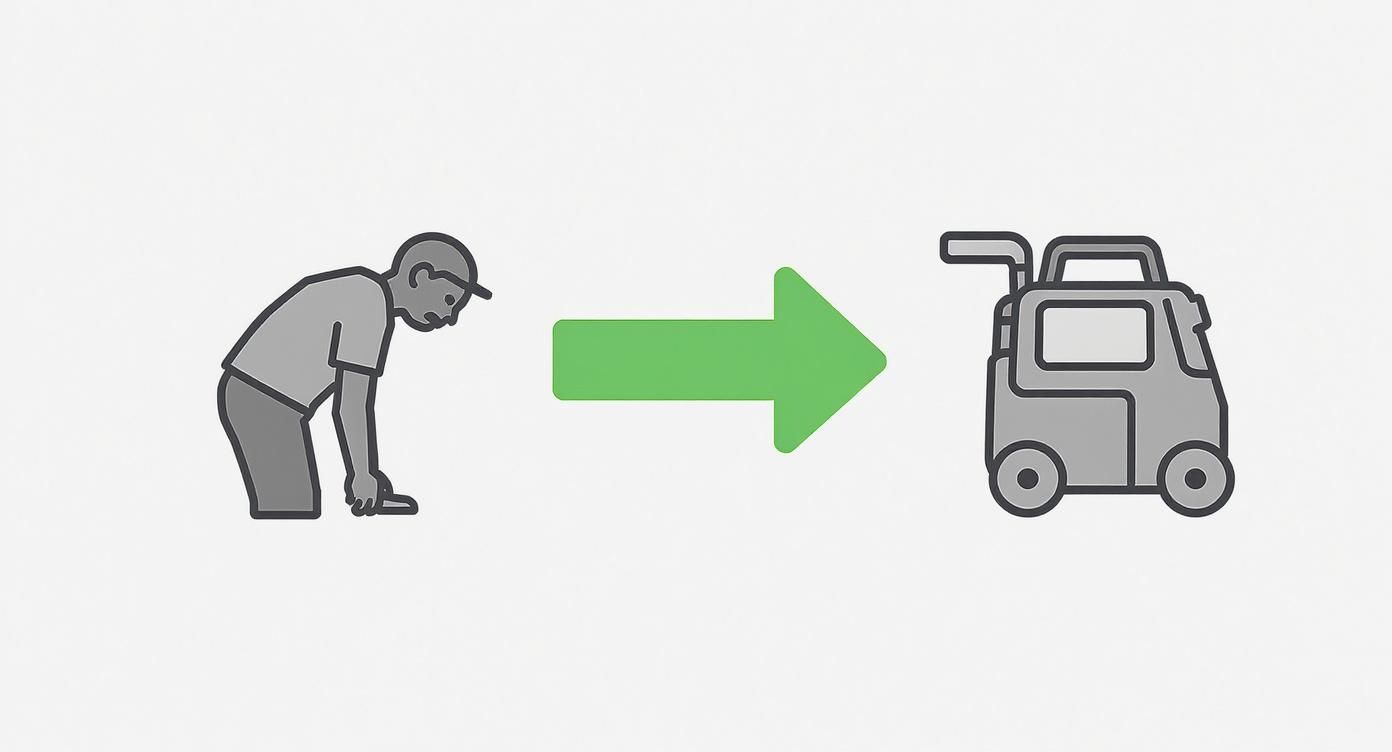
It’s all about moving from huffing and puffing up the fairway to walking freely, with your automated caddie doing all the heavy lifting. That's the promise of this equipment.
The Engine Room: Drive Systems
The drive system is the heart of your electric caddy. It’s what turns the commands from your remote into actual movement on the grass. You can think of it like the powertrain in a car, with different setups built for different types of courses.
- Dual-Motor Systems: This is your "all-wheel-drive" option. A motor powers each rear wheel independently, giving you far better traction, stability, and climbing power. If your home course is hilly or has a lot of uneven lies, this is the system you want.
- Single-Motor Systems: These are more like a standard two-wheel-drive car. They're perfectly capable and efficient on flatter, more traditional layouts and usually come with a more friendly price tag.
Battery Power: The Fuel For Your Round
The battery is your caddy’s fuel tank. Its capacity is what determines how long you can go before needing a pit stop. The key number to look for here is Amp-hours (Ah). Simply put, a higher Ah number means the battery can supply power for a longer time.
For a standard 18-hole round on a relatively flat course, a smaller battery around 20Ah will usually do the trick. But if you’re the type who loves to play 36 holes, or you regularly tackle tough, hilly courses that drain more power, a high-capacity lithium battery of 30Ah or more is a much safer bet.
A good rule of thumb is to match your battery to your longest day on the course. It’s always better to have extra power in reserve than to run out on the 16th hole.
Thankfully, most modern remote control golf bags use lightweight lithium-ion batteries. They're a huge improvement over the old, back-breaking lead-acid models and are super easy to charge and handle. For a deeper dive, check out our complete guide on remote control electric golf carts.
The Controls: The Brains of The Operation
Your remote control is the direct line of communication to your caddy. The designs can be anything from simple and intuitive to more advanced controllers loaded with slick features.
Let's break down the most important tech you'll encounter.
Key Caddy Technology Explained
This table simplifies the essential tech features, explaining what they do and why they're important for your game.
| Feature | What It Does | Why It Matters On The Course |
|---|---|---|
| Basic Remote Functions | Provides simple buttons for forward, reverse, left, right, and speed control. | Incredibly easy to learn and master. Puts you in direct control of the caddy's every move without any fuss. |
| Advanced "Follow" Mode | Uses AI and gyroscopic sensors to automatically track and follow you around the course. | Offers a true hands-free experience. You just walk, and your caddy stays right with you, no buttons required. |
| Preset Distance Control | Lets you send the caddy a specific yardage ahead, like toward the next tee box. | Perfect for sending your bag ahead while you walk to your ball or head to the green, speeding up play. |
| Automatic Downhill Braking (DHC) | Acts like cruise control for hills, automatically maintaining a steady speed on descents. | This is a critical safety feature. It stops your bag from getting away from you and taking your expensive clubs for a ride. |
A key feature you should absolutely look for is Automatic Downhill Braking (DHC). It's a lifesaver on hilly courses, giving you total peace of mind that your gear will stay right where it's supposed to be.
The Real Benefits and Drawbacks of Going Remote
So, you're thinking about investing in a remote control golf bag. It's a big decision, and it really comes down to weighing the incredible rewards against a few practical realities. Sure, the most obvious perk is less physical work, but the true benefits go much deeper—impacting everything from your stamina on the back nine to your final score.
But it’s not the perfect solution for every single golfer. Let's take an honest look at the complete picture. This will help you decide if upgrading to a remote caddy is the right move for your game, your body, and your wallet.
The Upside: More Than Just an Easy Walk
The biggest advantage is simple: energy conservation. Imagine strolling up to the 15th tee feeling just as strong and clear-headed as you did on the first. By taking the 30-plus pounds of your bag off your shoulders (or out of your hands), you save an unbelievable amount of physical energy over a four- to five-hour round.
That saved energy translates directly into better golf. We've all been there—fatigue creeps in on the final holes, leading to sloppy swings and poor decisions. With a remote caddy, the power you would’ve burned pushing your cart up a hill is instead channeled into your shots, helping you stay consistent from start to finish.
Beyond just a single round, there are serious long-term health benefits. Regularly carrying a heavy bag or even pushing a manual cart can lead to chronic strain on your back, shoulders, and knees. A remote caddy completely eliminates this repetitive stress, which could extend your playing years and make every round more comfortable.
Here’s a quick rundown of the key advantages:
- Improved Back-Nine Performance: Saving your energy on the front nine means you'll have more in the tank for stronger, more focused shots when it really counts.
- Reduced Physical Strain: Say goodbye to long-term stress on your back and shoulders—a common complaint among even the most avid golfers.
- Faster Pace of Play: You can send your caddy ahead to your ball or the next tee while you walk to the green, which helps speed up the round for your entire group.
- Enhanced Focus: With the logistics of your bag completely handled, you can dedicate 100% of your mental energy to course strategy and shot-making.
For a lot of golfers, the biggest shift is mental. When you remove the chore of lugging your clubs around, you free up mental bandwidth to think only about your next shot, not the hill you're about to climb.
The Downside: Practical Realities to Consider
Of course, owning a remote caddy isn’t without its challenges. The most significant hurdle for most golfers is the upfront financial investment. These are sophisticated pieces of equipment, and the price tag reflects the technology packed inside. A top-tier model can be a serious purchase compared to a standard push cart.
Another practical matter is battery management. A remote caddy is only as good as its power source. If you forget to charge the battery, you’ll be pushing a very heavy, non-motorized cart, which completely defeats the purpose. This means you have to adopt a new routine: charging after every single round and making sure the battery is properly maintained for a long life.
Finally, there’s a small but real learning curve. While most remotes are pretty intuitive, getting the hang of them on a crowded course with water hazards and bunkers takes a little practice. You need to learn how to navigate tight spots, judge distances, and handle slopes without becoming a distraction to your playing partners. It's a skill that you'll dial in over a few rounds.
The good news is that technology is constantly improving the user experience, with new features like solar power accessories, advanced GPS, and better batteries. These developments are making remote caddies more convenient than ever and are a key reason for their growing popularity. You can explore more about these market trends and their impact on golf technology to see where things are headed.
How to Choose the Right Remote Control Caddy
Picking out the perfect remote control golf caddy isn't about finding the single "best" one on the market. It's about finding the right one for your game. Think of it like buying a car—what works for a city commuter is totally different from what a farmer needs. By focusing on a few key factors, you can find a model that feels less like a piece of equipment and more like a trusted partner on the course.
This guide will walk you through a simple checklist to make sure you get it right. We'll cover everything from how it handles hills and fits in your trunk to battery life and remote features, ensuring you make an investment that pays off for years to come.
Assessing Your Home Course Terrain
First things first: what kind of course do you play most often? Is it a flat, wide-open parkland layout, or a hilly beast with serious elevation changes? Your answer here is going to point you directly toward the right kind of drive system.
If your course has steep inclines, a caddy with dual motors and Automatic Downhill Control (DHC) is a must. Dual motors give you the all-wheel-drive traction you need to climb without spinning out, while DHC acts like cruise control on the way down, preventing your clubs from taking a nosedive. For flatter courses, a single-motor unit will do the job just fine and save you some money.
Think of it this way: a dual-motor caddy is your rugged SUV for challenging terrain, while a single-motor model is a reliable sedan for smooth highways. Choose the one built for the roads you travel most.
Portability and Storage Considerations
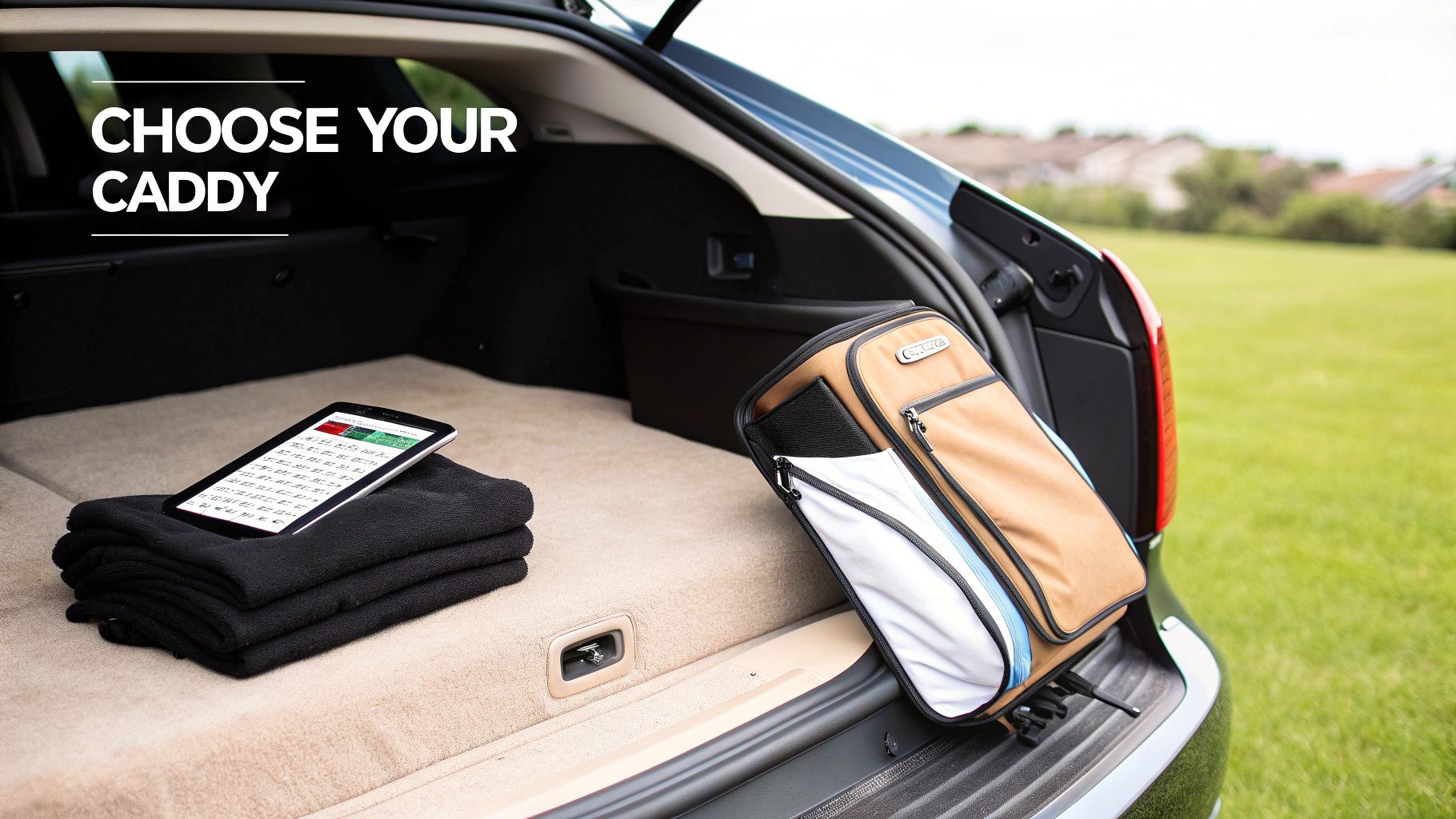
Remember, your caddy's journey starts in your garage and car trunk, not on the first tee. Before you get wowed by all the high-tech features, pull out a tape measure and see what kind of space you're working with. How easily does it fold? What are its final weight and dimensions?
Look for models with a simple, one-or-two-step folding mechanism. Some of the best caddies collapse into a surprisingly small package, making them a perfect fit for smaller cars. You'll be lifting this thing in and out of your car every time you play, so a manageable weight can make a world of difference.
Battery Life Matching Your Playing Habits
Now, be honest with yourself about how much you play. Are you a steady 18-hole weekend golfer, or do you love to grind out a 36-hole marathon day? A caddy's battery is its heart, and the last thing you want is for it to give out on the 16th fairway.
- For 18-Hole Rounds: A standard lithium battery is almost always enough to get you through a typical round with juice to spare.
- For 27-36 Hole Rounds: If you're a true golf addict, investing in an extended-range battery is non-negotiable. It’s all about peace of mind.
Always check the manufacturer's rating, which is usually listed in holes (e.g., "rated for 27 holes"). This gives you a clear and reliable benchmark.
Remote Functionality and Advanced Features
The remote is how you'll communicate with your caddy, and the options range from dead simple to surprisingly complex.
- Basic Remotes: These give you the essentials: forward, reverse, left, and right. They are incredibly easy to learn and offer direct, reliable control.
- Advanced Remotes: These can include cool features like preset distance functions (send it 15, 30, or 50 yards ahead) or even a "Follow" mode that uses sensors to track you automatically.
While the follow-me tech is undeniably cool, it comes with a premium price tag. You need to decide if you want a hands-on, directed experience or a truly hands-off one.
The table below can help you match the right features to your playing style, making the decision process a little easier.
Matching Caddy Features to Your Golfer Profile
| Key Consideration | Weekend Golfer | Competitive Player | Senior Golfer |
|---|---|---|---|
| Terrain Handling | A single-motor unit is often fine for flatter courses. | Dual-motor with DHC for reliable performance on any terrain. | Dual-motor with DHC is crucial for stability and safety on hills. |
| Portability | Compact folding is a nice-to-have for easier transport. | A lightweight frame is key to save energy for the game. | Easy-to-lift weight and simple folding are top priorities. |
| Battery Life | Standard 18-hole battery is usually sufficient. | Extended-range battery for practice rounds and long tournament days. | A reliable 18-hole battery provides peace of mind. |
| Remote Features | Basic, intuitive controls are perfect for straightforward use. | Preset distance functions can help with yardage and pace of play. | Simple, large-button remotes are ideal for ease of use. |
| Advanced Tech | "Follow" mode is a luxury, not a necessity. | Might prefer direct control over "Follow" mode for precision. | "Follow" mode can be a great hands-free convenience. |
By identifying your golfer profile, you can quickly see which features should be at the top of your list and which ones you can probably live without.
Build Quality, Warranty, and Reputation
Finally, a remote caddy is a real investment, so you want it to last. Take a close look at the frame materials—aluminum and other lightweight alloys offer a great mix of strength and portability. Spend some time reading customer reviews and checking brand reputation to get a feel for reliability and customer service.
A strong manufacturer's warranty is your safety net. Look for coverage of at least 12 months on both the caddy and the battery. It's a clear sign that the company is willing to stand behind its product.
Simple Maintenance for a Long-Lasting Caddy
Think of your remote control golf caddy as a serious investment in your game. And just like any good piece of equipment, a little routine care will keep it running smoothly for hundreds of rounds. It’s no different than maintaining your car—a few simple checks and good habits protect its performance, extend its lifespan, and save you from headaches on the course. The good news is, you don’t need to be a mechanic to do it.
Proper maintenance really starts with the heart of your caddy: the battery. Just like a smartphone, the lithium-ion battery in your cart needs consistent and correct charging to stay healthy. In fact, forgetting to charge it is the number one reason for a mid-round failure, which instantly turns your high-tech assistant into a very heavy manual push cart.
Essential Battery Care
To get the most out of your battery, just build a simple post-round routine. Make a habit of recharging your battery as soon as you get home, even if you only played nine holes. Letting a battery sit in a discharged state for days on end is one of the fastest ways to degrade its health.
If you live somewhere with a real off-season, proper storage is just as important. Before packing it away for the winter, charge the battery to about 50-75%. Store it somewhere cool and dry, away from extreme temperatures. A garage that freezes or a stuffy attic that gets hot in the sun can cause permanent damage. Never store it fully charged or completely empty for long periods.
Pro Tip: Try to avoid leaving your battery on the charger for days at a time. Most modern chargers are “smart” and shut off automatically, but it's still best practice to unplug it once it's fully charged. This little step helps protect its long-term health.
If you want to dive deeper into keeping your power source in prime condition, our guide on golf cart battery maintenance has some excellent advice that applies directly to your caddy’s battery.
Frame and Wheel Upkeep
Beyond the battery, keeping the frame and wheels clean is key to a long life. After each round—especially on a wet or muddy day—take a minute to wipe down the frame with a damp cloth. This simple step prevents dirt and grass from building up in the joints and wheel axles, which can create friction and put extra strain on the motor.
Every few rounds, give your remote control caddy a quick once-over:
- Check for Loose Fittings: Gently wiggle the nuts, bolts, and clamps on the frame and bag straps to make sure everything feels snug.
- Inspect the Wheels: Make sure the wheels spin freely. It’s common for grass or string to get wrapped around the axles, so clear out any debris you find.
- Wipe Down the Remote: Keep your remote clean and dry, paying special attention to the buttons. A clean remote ensures you get a good, responsive connection.
Common Troubleshooting Scenarios
Even with the best maintenance, you might run into a minor issue. Don’t panic. Here’s how to handle the most common hiccups and get right back to your game.
- The Cart Pulls to One Side: This is almost always a simple alignment issue. Most models have a calibration or "trim" adjustment feature you can access with the remote. Just check your user manual for the right button sequence to recalibrate the wheels and get it tracking straight again.
- Remote Loses Connection: If your remote suddenly stops working, the first thing to check is its battery. If that's not the problem, try re-pairing the remote to the caddy. The process is usually quick, often just involving holding down a button on both the remote and the cart at the same time.
- Battery Dies Mid-Round: It happens to the best of us, but you won't be stranded. Every electric caddy has a "freewheel" mode". All you have to do is disengage the motors at the wheels—usually by twisting a knob or pulling the wheel outward—and you can push it just like a regular push cart for the rest of the round.
Many of the core principles for keeping a remote caddy in top shape are shared with larger carts. For a more comprehensive look, this complete golf cart maintenance guide is a great resource. Following these simple steps will make sure your investment remains a reliable partner on the course.
Course Etiquette for Remote Caddy Owners
Owning a remote-control caddy is a fantastic upgrade to your game, but it also introduces a new set of responsibilities on the course. Think of your caddy as an extension of yourself—its behavior is your behavior. Being a considerate operator is key to making sure your cool new gear enhances the round for everyone, not just for you.

The ground rules are pretty universal for any wheels on the course. Your remote caddy should never roll onto tee boxes, greens, or into bunkers. That turf is delicate and wheels can easily cause damage. Stick to the cart path or park it in the rough beside the green.
Navigating the Course Respectfully
Beyond the basics, good etiquette really comes down to being aware of your playing partners. Your main job is to ensure your cart is never seen or heard when someone else is getting ready to hit. A moving object in a player's line of sight is a huge distraction during their pre-shot routine.
Always be strategic about where you park your caddy. Position it well behind you or far off to the side, completely out of anyone's direct line of sight. Get to your ball, park the cart first, and then step up to take your shot. Once everyone in your group has hit, that's your cue to send it on its way to the next spot.
The golden rule for remote caddy operation is simple: when someone else is swinging, your caddy should be stationary and silent. This simple act of courtesy goes a long way in maintaining the traditions of the game.
This kind of mindfulness also helps the whole group find a better rhythm. When you use it right, a remote caddy can actually speed things up. For more tips on that, check out our golf pace of play guidelines for a faster round.
Safety and Situational Awareness
Finally, you’re not just walking anymore; you're piloting a machine. Operating a remote caddy demands constant awareness to keep yourself and others safe. Remember, you’re controlling something that can weigh 50 pounds or more when it's all loaded up, so you need to be responsible, especially around other people and on tricky terrain.
Here are a few essential safety habits to get into:
- Maintain a Safe Distance: Keep your caddy within a reasonable line of sight. Don't send it off on a solo journey too far ahead, particularly around blind corners or crowded areas.
- Navigate Hills with Care: When you're heading up or down steep hills, be ready to step in. A runaway cart is a serious hazard, so if your model doesn't have automatic downhill braking, you need to be prepared to control its speed.
- Use Cart Paths: Whenever you can, stick to the designated cart paths. It protects the course and gives your caddy the smoothest, safest route to travel.
By following these simple etiquette and safety tips, you can seamlessly blend your remote caddy into the game. You'll earn the respect of your fellow golfers and help ensure everyone has a great day on the course.
Answering Your Top Questions
Even after you’ve explored the tech and the benefits, it’s only natural to have a few lingering questions. Let’s be honest, a remote-control caddie is a serious piece of equipment, and you want to be completely sure before you pull the trigger.
This section tackles the most common concerns we hear from golfers. We’ll cover everything from the price tag and learning curve to the dreaded “what if the battery dies on the 12th hole?” scenario.
Are Remote Control Golf Bags Worth The High Price Tag?
For golfers who play often or are looking to ease the physical strain of the game, the investment is almost always a no-brainer. The real value isn't just in the convenience; it's in the reduced fatigue, which lets you stay sharp and finish the back nine as strong as you started.
Think of it less as an expense and more as an investment in your game and your health. When you save your energy for swinging the club instead of hauling your bag, it’s amazing how much your focus—and your scores—can improve. The true worth really comes down to how much you play and how much you value feeling fresh for all 18 holes.
How Hard Is It To Learn The Remote Control?
Most remotes are designed to be incredibly intuitive. You’ll likely master the basic forward, left, and right controls within just a few holes. The layouts are usually simple, with big, clearly marked buttons that make operation a breeze.
The best way to get comfortable is to take it for a spin in an open area first—think your backyard or a quiet corner of the driving range. This helps you get a feel for the cart’s responsiveness without the pressure of holding up play. Most golfers find they get the hang of it in no time.
What Happens If The Battery Dies Mid-Round?
This is a huge concern for a lot of people, but thankfully, nearly every electric caddie has a simple failsafe. You can disengage the motors and switch the wheels into "freewheel mode". Instantly, your high-tech caddie becomes a regular old push cart that you can easily maneuver for the rest of your round.
While it’s not ideal, this feature ensures you’re never stranded out on the course. Of course, the best way to prevent this is to get into the habit of charging the battery after every single round. That way, it’s always topped up and ready for your next tee time.
Can I Use My Current Golf Bag On a Remote Cart?
Absolutely. The vast majority of remote caddies are built with adjustable straps and a universal base that can accommodate just about any standard cart or stand bag. You definitely don’t need to rush out and buy a special bag.
That said, it’s worth mentioning that cart bags generally offer a more secure and stable fit. Their flat, rigid base is designed to sit perfectly on a cart without twisting or sliding around. A stand bag will work just fine, but you might need to make sure it’s strapped in extra tight to keep it from rotating on uneven terrain.
Ready to transform your walk on the course? The Caddie Wheel offers a brilliant way to motorize your existing push cart, giving you all the benefits of an electric caddy without the high cost. Discover how easy it is to upgrade your game today at CaddieWheel.com.
Share:
Your Guide to a Remote Controlled Golf Bag System
Your Essential Guide to a Fireproof Lithium Battery Container