
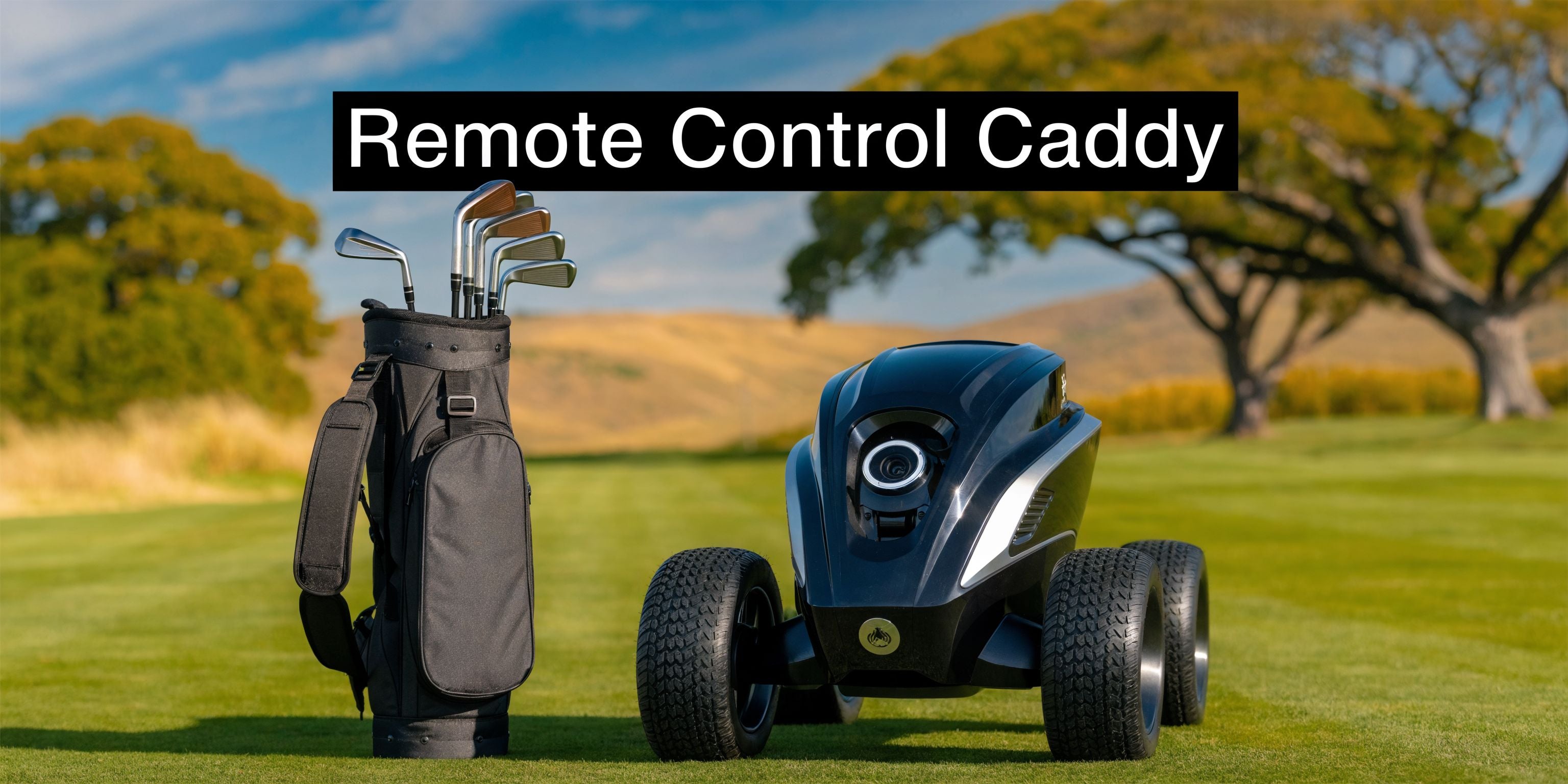
By the time you reach the later holes, the walk can feel very different than it did on the 1st tee. Your swing may still be there, but your shoulders, back, and hands know exactly how many hills your push cart has climbed.
A remote control caddy offers a solution in these situations. It lets you keep the part many golfers love, walking the course, talking with your group, staying engaged with every shot, without doing all the pushing yourself. For a lot of players, that is the sweet spot between a manual cart and a ride cart.
Your Guide to the Remote Control Caddy
You are on the 14th hole of a hilly course. The walk still feels good, but your cart has started to feel heavier with every climb, every side slope, and every long stretch between shots.

That is the problem a remote control caddy solves. It keeps you walking, but takes over the part of the round that can wear on your hands, shoulders, and lower back.
On a short, flat loop, a push cart feels simple enough. On an actual course, the effort changes. Gravity starts pulling at the cart on downslopes, uneven ground makes it harder to steer, and steep approaches ask for more effort than many golfers notice at first. Walking is still enjoyable. Managing the cart is what starts to chip away at the fun.
A remote control caddy helps in a very practical way. It lets the cart do the pulling and correcting while you keep your energy for club selection, balance, and tempo. For many golfers, that makes the walk feel more like golf again and less like transport work.
The appeal reaches different kinds of players. Some want less strain over 18 holes. Some want to arrive at the closing stretch with fresher legs. Others like walking and want a setup that makes it easier to do more often.
One point gets missed by a lot of golfers. A remote control caddy does not always mean buying a completely new electric unit.
For players who already own a push cart they like, motorizing that cart can be the smarter upgrade. It works a lot like adding pedal assist to a bike you already enjoy riding. You keep the frame and feel you know, then add powered help where it matters. That can make the jump to remote control more affordable, less disruptive, and easier to justify than replacing your whole setup.
Key takeaway: A remote control caddy makes walking golf easier, and for many players, the simplest path is upgrading an existing push cart instead of buying a full electric caddy from scratch.
That middle path is why interest keeps growing. Golfers do not have to choose between manual pushing and riding in a cart. They can keep the walking experience they enjoy and add motorized assistance in a way that fits their budget and their current gear.
If your goal is to make walking more comfortable without overcomplicating your setup, this option deserves a serious look.
What Is a Remote Control Golf Caddy
A remote control golf caddy is a cart that carries your bag under motor power while you guide it with a handheld remote. You still walk the course. The cart handles the load and the rolling.

For many golfers, the easiest way to understand it is to separate the result from the hardware. The result is simple. Your bag moves with powered assistance instead of relying on your arms and shoulders.
There are two common ways to get that result.
Two common ways golfers get there
One option is a fully integrated electric caddy. That is a complete unit built from the ground up with its own frame, wheels, battery, motor, and remote system.
The other option is a motorized assist attachment added to a standard push cart. That approach makes a lot of sense if you already own a cart that folds well, tracks straight, and fits your trunk the way you want.
The day-to-day experience can feel very similar. In both cases, you use a remote to control movement. The main difference is whether you are buying an entirely new caddy or upgrading the push cart you already trust.
That distinction matters.
Buying a full electric caddy is a bigger reset. Motorizing an existing push cart is usually the simpler path, especially for golfers who want remote control without replacing equipment that already works. It works a lot like adding a motor kit to a bike you already enjoy riding. You keep the frame and feel you know, then add powered help where it counts.
The parts that do the work
A remote control caddy sounds more complicated than it is. Most systems come down to four basic parts:
- Motor or drive unit that moves the cart
- Battery that powers the round
- Control receiver mounted on the cart
- Handheld remote that lets you send the cart forward, slow it down, stop it, or steer
Once you see those pieces, the idea feels much less mysterious. It is really a push cart with an added drive system and a simple way to control it from a few steps away.
Remote range matters here, but probably not in the way first-time buyers expect. You are usually not trying to send the cart halfway down the fairway. You want enough range to let the cart move ahead on a path, cross to the next tee without you tugging it along, or roll beside you while you walk naturally.
A short demo helps make the concept easier to picture.
Why the add-on path stands out
The add-on route deserves extra attention because it changes the buying decision. Instead of asking, "Which full electric caddy should I replace my current cart with?" you can ask, "Can I upgrade the cart I already like?"
That is often the more practical question.
If your current push cart is sturdy and fits your routine, a motorized attachment can give you remote control with less cost and less disruption. You keep the basket, handle, folding process, and overall feel you already know. Products built around that idea, including systems like Caddie Wheel, appeal to golfers who want powered walking golf without starting from zero.
A remote control golf caddy, then, is not just one type of product. It is a way of walking the course with less physical work between shots. For plenty of golfers, the smartest version of that upgrade is not a brand-new machine. It is the push cart they already own, improved with motorized assist.
The Top Benefits for Walking Golfers
Golfers usually notice the benefit of a remote control caddy before they can fully describe it. The round just feels lighter.
You still walk the same fairways. You still get from shot to shot under your own steam. But the strain between swings drops, and that changes the whole day.
Better energy for actual golf
Pushing a loaded cart uphill costs attention as well as effort. By the back nine, many golfers start rushing small decisions because they are worn down from the walk, not the swing.
A remote control caddy helps preserve energy for the parts of golf that deserve it. Club choice. Distance judgment. Tempo. Touch around the green.
That is one reason players looking into an electric golf push cart with remote often talk about finishing stronger, not just feeling more comfortable.
Practical tip: If your score tends to drift late in the round, pay attention to how much effort goes into moving your cart, not just swinging the club.
More years of walking golf
For senior golfers and players managing sore knees, hips, shoulders, or back issues, the question is often not whether to walk. It is whether pushing is worth the price their body pays afterward.
Remote control changes that calculation. Instead of forcing every step through a heavy cart, you guide the cart while keeping a more natural posture. You spend less time leaning, bracing, and muscling the handle through rough ground.
That can make walking feel possible again for golfers who had started to think ride carts were the only realistic option.
Health without the needless wear
Walking golf remains walking golf. You still move hole to hole, stay active, and avoid the stop-start feel of riding.
What disappears is much of the joint and back strain that comes from managing the cart itself. That distinction matters. Many players want the rhythm and health benefits of walking, but not the repeated effort of pushing a loaded frame across hills, wet turf, and uneven lies.
Here is the everyday version of the difference:
- On climbs the cart helps instead of resisting you.
- Across side slopes you guide rather than wrestle.
- Late in the round you arrive at the ball less tense.
- After the round you may feel like you walked a course, not like you hauled equipment around one.
For many golfers, that is the main payoff. A remote control caddy makes walking more sustainable. It helps you enjoy the course you came to play, instead of spending half the day managing the trip between shots.
Key Features to Evaluate Before You Buy
You are standing in the garage the night before a round, looking at your current push cart and wondering whether you really need to replace the whole thing. For many golfers, that is the right question.
A remote control caddy can mean two very different purchases. One is a full electric cart with its own frame, wheels, and folding system. The other is a motorized attachment that turns the push cart you already own into a powered setup. If you like your current cart and want a simpler, lower-cost upgrade path, that second option deserves a close look first.

Battery life and charging routine
Battery claims matter only if they fit your normal round.
Some golfers play a straightforward 18 on fairly level ground. Others play hilly courses, add practice holes, or want enough charge left that they are not watching the battery level on the back nine. A good battery setup should match your habits, not just look good on a spec sheet.
Focus on two practical questions:
- Will it comfortably cover your usual round on your usual course?
- Will charging fit easily into your routine at home and before the next round?
That second point gets overlooked. A battery that removes quickly, stores neatly, and charges without fuss often feels better in real life than one with a bigger claim but more hassle. If you are comparing full carts with add-on drive systems, pay attention to how much bulk the battery adds and whether it changes the easy routine you already have with your push cart.
Motor power and hill performance
Motor output matters most on the parts of the course that expose weakness. Long climbs, soft turf, and side slopes tell you more than a flat parking lot ever will.
Manufacturers list power in different ways, so the number alone does not tell the whole story. What you want is steady movement under load, predictable tracking, and enough braking control that downhill sections do not feel tense. A motor should help the cart feel lighter to manage, not create a new job for you.
As a point of reference, models such as the MGI Zip Navigator and Bat Caddy X4R use 200W motors, while Motocaddy’s M7 GPS REMOTE lists 230W motors, as noted earlier. Use those figures as a rough starting point, then ask the more useful question. How does the unit behave on the kind of course you walk?
Control system and remote range
Remote control is often the feature that sounds complicated before you try it. In practice, what matters is not maximum distance. It is calm, predictable response.
Analysts at Fact.MR found in its remote control market report that the broader remote control market was valued at US$26.4 billion in 2024. In golf, many caddy remotes offer substantial operating ranges. That is comfortably more than you need for normal walking play, where the cart usually stays well within sight and within easy reach of a stop button.
Test the feel, not just the range:
- Does it start smoothly or jump forward?
- Do turns feel gradual and easy to correct?
- Does it hold direction well on slight slopes?
- Does stopping feel immediate and predictable?
A good remote works like steering a shopping cart with one hand instead of wrestling a loaded trolley through a parking lot. You stay in charge, but you stop spending energy on the weight.
Buying tip: The best control system feels boring in a good way. It responds the same way every time, so your attention stays on the shot ahead.
Weight, folding, and trunk life
This part gets real after the round.
A fully integrated electric caddy can solve the pushing problem, but some models replace it with a lifting problem. If the unit is heavy, awkward to fold, or hard to fit in your trunk, the upgrade starts to feel less convenient than it looked online.
Check the everyday details:
| Feature | What to ask |
|---|---|
| Folded size | Will it fit with your bag, shoes, and other gear? |
| Lift weight | Can you load and unload it comfortably after 18 holes? |
| Setup steps | How many actions does it take before you are ready to roll? |
Motorizing an existing push cart often makes a lot of sense in these situations. If you already own a cart that folds easily and fits your car well, keeping that frame can save money and preserve a routine you already trust.
Compatibility and installation
If you are considering an attachment system, compatibility is the first filter.
Not every motorized add-on fits every cart shape, wheel layout, or folding design. Some setups ask for more tinkering than golfers expect. Others are much closer to adding a power unit to a tool you already know how to use. That is usually the smoother path, especially if you want an upgrade that feels accessible rather than like a garage project.
Check for:
- Fit with three-wheel and four-wheel push carts
- A mounting system that does not require awkward modification
- Easy removal if you transport or store the unit often
- A setup that preserves normal folding and bag-loading as much as possible
One example in this category is Caddie Wheel, which is designed as a lightweight electric power assist for standard push carts with a drop-on design, snap-in bracket, variable-speed remote, and battery support for up to 36 holes per charge, based on the publisher information provided for this article.
Durability, support, and safety details
Golf equipment has to handle damp mornings, uneven ground, trunk loading, and the occasional bump into curbs or cart-path edges. That is why durability is more than a materials question. It is a confidence question.
Look closely at:
- Wheel and frame stability on uneven ground
- Resistance to moisture and dirt
- Reliable braking or speed control on descents
- Warranty terms and parts availability
- How easy it is to replace a remote or battery if needed
If a unit feels fussy in your driveway, it will feel worse on the 15th hole with a sidehill lie and a little wind. The best choice usually comes from matching the technology to your real routine. For many walkers, that means considering whether a motorized upgrade to the push cart they already like is the simpler and more affordable move than buying a full electric caddy from scratch.
A Quick Guide to Setup and Operation
Many golfers assume a remote control caddy will be harder to use than it really is. Most of the learning curve comes from habit, not complexity.
Once you go through the routine a couple of times, it starts to feel as normal as unfolding a push cart and strapping in your bag.
Before you leave for the course
Start at home, not in the parking lot with a group waiting behind you. Charge the battery, make sure the remote is ready, and check that the bag sits evenly on the cart.
If you are using an attachment system, connect it before you rush out the door. If you are using a full electric caddy, unfold it fully and confirm everything locks in place.

A more detailed walk-through of common controls and on-course habits appears in this guide to the electric golf caddy remote.
Your first few minutes with the remote
Do your first test somewhere calm. A driveway, a patch of grass, or an open area near the practice green works well.
Get used to three things first:
- Starting smoothly so the cart does not jump ahead faster than you expect.
- Turning gradually instead of making abrupt corrections.
- Stopping on command until braking feels automatic.
That short practice session pays off. You do not need fancy moves. You just need a feel for pace and response.
Practical tip: Keep the cart in clear sight and use small inputs. Most steering mistakes come from overcorrecting, not undercorrecting.
How it feels during a round
On the course, the basic rhythm is simple. Send the cart forward, walk at your own pace, and guide it where you want it to go.
Near tees, greens, bridges, bunkers, or busy paths, many golfers slow down and use tighter control. In open fairway areas, they let the cart move more freely. After a few holes, the process becomes intuitive.
The key habits are straightforward:
- Use slower speeds in crowded areas
- Brake before steep slopes get away from you
- Park the cart where you would park a normal push cart
- Keep the remote somewhere secure when hitting shots
Packing up after the round
End-of-round use is simple if you stay organized. Power the system down, fold or detach what needs to be folded or detached, and brush off grass and debris before loading the cart into the trunk.
The golfers who have the easiest experience are usually the ones with a repeatable routine. Charge, check, clip in, play, clean, store. That is all most remote control caddy owners need.
Essential Maintenance for Long Lasting Performance
A remote control caddy does not need constant tinkering, but it does reward steady care. Most problems golfers run into come from skipped basics, not from complicated mechanical faults.
Battery habits that help
The battery is the heart of the system. Treat it that way.
Charge it according to the maker’s guidance, avoid leaving it forgotten for long stretches, and store it in a sensible place between rounds. If you want a simple overview of battery care principles, this guide to golf cart battery maintenance is a useful starting point.
A consistent routine matters more than perfection. Golfers who charge, disconnect, and store the battery properly tend to have fewer unpleasant surprises on the course.
Quick cleaning after every round
You do not need a workshop setup. You need five quiet minutes.
After a round, check these spots:
- Wheels and tires for grass, mud, and small stones
- Frame joints for grit that can affect folding or locking
- Motor area for clumps of debris
- Remote for moisture or dirt around buttons
Wipe things down before buildup hardens. It is much easier to brush off fresh debris than to deal with caked-on turf later.
Small checks that prevent bigger headaches
Listen for changes. A new rattle, a wheel that tracks oddly, or a remote button that feels inconsistent is worth noticing early.
Use this simple rhythm:
- Before the round check charge, attachment security, and bag balance.
- After the round clean the unit and store it dry.
- Every so often inspect fasteners, moving points, and anything that looks loose or worn.
Key takeaway: Good maintenance is mostly observation. If you catch small issues early, your remote control caddy usually stays reliable and ready to go.
The goal is not to baby the equipment. The goal is to make sure your caddy feels as dependable on your next round as it did on your last one.
Conclusion and Your Buying Checklist
A remote control caddy changes the walk more than it changes the game. You still play golf the same way. You just arrive at your shots with more energy, less tension, and a better chance of enjoying the whole round.
For many players, the biggest insight is this. Going electric does not always mean buying a whole new cart. If you already own a push cart you like, motorizing it can be a simple and practical step. That path often makes remote-controlled walking golf feel much more reachable.
Use this checklist when comparing options:
- Your current setup Do you want a complete electric caddy, or would an attachment for your existing push cart make more sense?
- Course conditions Are your regular courses flat, hilly, soft, or uneven?
- Battery fit Will the battery routine match how often and how far you play?
- Remote confidence Does the control feel calm, predictable, and easy to manage?
- Transport and storage Can you load it, fold it, and store it without dreading the process?
- Compatibility If it is an add-on, does it clearly fit your cart model or frame style?
- Support Can you get help, parts, or another remote if needed?
The right remote control caddy is the one that makes walking easier without making ownership harder. If you keep that standard in mind, the decision usually gets much clearer.
Frequently Asked Questions
Do remote control caddies work on hilly courses
Yes, but the quality of the drive and brake system matters. Hills are where motor power, traction, and downhill control show their value.
If your home course has long climbs or side slopes, pay more attention to stability and braking than to flashy extras. A caddy that feels controlled on a descent is often a better fit than one with a long feature list.
Are they difficult for older golfers to learn
Usually not. Most golfers learn the basics quickly because the commands are simple and repetitive.
The easiest approach is to practice in an open area first. Start, stop, turn, and brake until the cart’s pace feels natural. After that, the remote becomes part of your normal routine.
Is an add-on motorized system worth it if I already own a push cart
Often, yes. If your current push cart folds well, tracks well, and fits your bag, adding power can be a very sensible move.
You keep what already works and improve the one part that causes fatigue. For budget-conscious golfers, that can be a more accessible path than replacing everything with a full integrated unit.
Will the cart get away from me
That is a common fear. In normal use, golfers avoid that problem by keeping the cart in sight, using moderate speed, and learning the brake response before the first round.
Good habits matter. So does choosing a system that feels predictable instead of twitchy.
Do I still get the benefits of walking
Yes. The point of a remote control caddy is not to remove the walk. It is to remove the push.
You still move around the course, stay engaged, and enjoy the rhythm of walking golf. What changes is how much work your hands, shoulders, and back do between shots.
Should I buy a full electric caddy or convert my current cart
That depends on what you already own and how you like to play. A full electric caddy may suit golfers starting from scratch. A conversion or add-on system can suit golfers who already have a push cart they trust and want a simpler upgrade path.
The better choice is usually the one that fits smoothly into your routine, your trunk, and your budget.
If you like the idea of walking with less strain but do not want to replace your whole cart setup, Caddie Wheel offers a motorized power-assist approach for standard push carts. It is designed to attach to compatible carts, add remote-controlled forward, reverse, and braking control, and support up to 36 holes per charge, giving golfers another practical way to build their ideal remote control caddy.
Partager:
2026 Review Golf Push Carts: Best Buyer's Guide
Cart Golf Manual: Your Caddie Wheel User Guide