
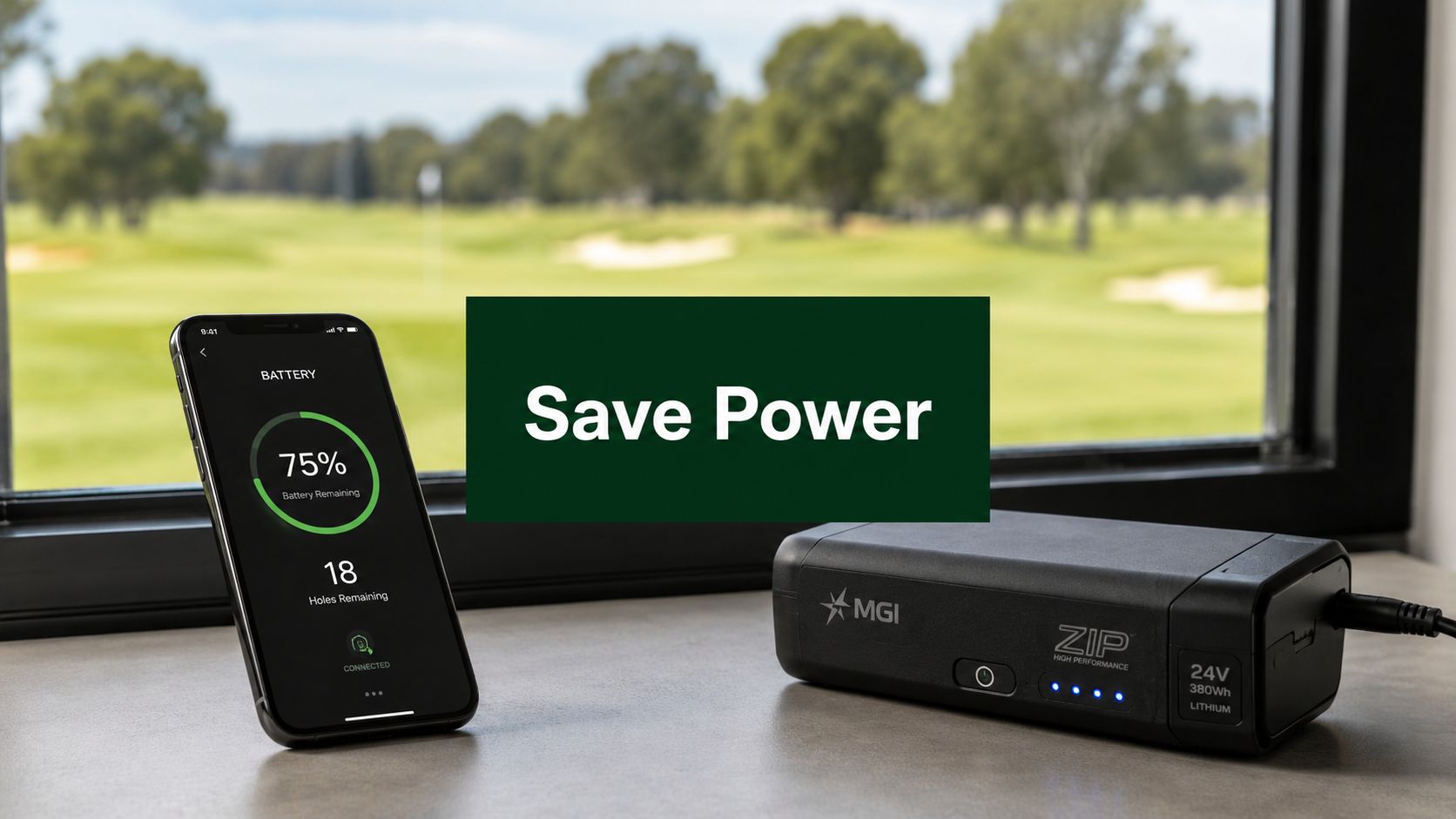
You know the feeling. Your phone drops into low power mode halfway through the day, or your golf cart assistant starts looking less confident right when the round gets interesting. Nothing dramatic happened. You didn't stream a movie, didn't sit on video calls for hours, didn't do anything that felt wasteful. But the battery still vanished faster than it should have.
That's usually the frustrating part. Battery drain rarely comes from one big mistake. It comes from a handful of small habits that stack up. Screen brightness stays too high. Apps keep syncing in the background. Bluetooth and location stay on all day. Then on the course, stop-and-go control, hills, and poor charging habits take their share too.
If you want to learn how to conserve battery power without turning your devices into a hassle, the answer is simple. Cut the drains that matter most, charge with a little intention, and treat your golf gear differently from your phone when the situation calls for it.
Why Your Battery Dies Faster Than You Expect
The classic battery failure never happens at a convenient time. It shows up when you're waiting on a call, checking yardage, or standing on the 16th tee wondering whether your powered cart is going to make it home without becoming a push workout.

The battery itself is often blamed. Sometimes that's fair, especially with an older phone. If you're trying to separate normal aging from bad habits, this guide to refurbished iPhone battery health gives a practical way to think about what battery health means in daily use.
Small drains add up fast
A battery usually doesn't die because of one heavy task. It dies because the device keeps doing little jobs all day. The display stays awake longer than necessary. A few apps refresh in the background. Wireless features keep looking for connections. Notifications light the screen over and over.
On golf gear, the same principle applies in a different form. Repeated starts, unnecessary remote inputs, poor storage, and charging at the wrong times won't always cause an immediate problem, but they chip away at runtime and reliability.
Battery anxiety usually starts long before the warning icon appears. It starts when the device keeps spending power on things you didn't mean to ask for.
Runtime and battery health are not the same thing
People often get mixed up. A full charge can help you get through today, but that doesn't automatically mean you're treating the battery well over the long haul. Daily runtime and long-term battery health are related, but they're not identical.
If you've ever wondered whether a battery is fading or just not holding useful capacity anymore, it helps to know how to check it properly. Caddie Wheel has a practical article on how to test battery capacity that's worth reading before you assume the battery is the problem.
A lot of battery-saving advice gets too clever. The fixes that usually matter are more boring than that. They also work.
Universal Fixes for Common Battery Drains
Start with the drains that show up on almost every phone and tablet. Don't chase obscure tweaks first. Fix the screen, tame wireless activity, and stop background apps from acting like they own the battery.

One of the most widely supported, high-impact ways to conserve battery power is to reduce display energy use, because the screen is typically the largest single power draw on mobile devices. Google and Apple both list adjusting screen brightness and timeout settings as primary methods for preserving battery life in Google's battery-saving guidance.
Start with the screen
If you do only one thing today, do this.
- Lower brightness manually: Avoid running your screen brighter than necessary indoors. This wastes battery constantly.
- Turn on adaptive brightness: Let the phone dim itself in darker settings instead of blasting the display at the same level everywhere.
- Shorten screen timeout: If your display stays on for minutes after you stop using it, you're paying for dead time.
- Use dark theme when available: On supported devices, this can reduce unnecessary display power use, especially at night.
A bright screen feels harmless because it's visible and familiar. It's still one of the first places to cut waste.
Reduce the invisible drain
The nastiest battery drains are often the ones you don't see. Mobile data, Bluetooth, location services, and constant syncing can keep a device active even when it looks idle.
A simple checklist helps:
- Use Wi-Fi when you can. It's typically the better choice than staying on mobile data all day.
- Turn off Bluetooth when you're done with it. Don't leave it hunting for connections by habit.
- Limit location access. Navigation needs it. Plenty of apps don't.
- Use airplane mode strategically. If you don't need mobile service for a while, shut the radios down.
- Enable battery saver or low power mode before you're desperate. These modes help reduce background activity and stretch remaining charge.
Here's a quick explainer if you want a visual walkthrough before changing settings:
Stop background apps from freeloading
Some apps behave well. Others refresh, sync, fetch, and notify like they're the only thing on your phone.
Practical rule: If an app doesn't need to update when you're not using it, don't let it.
Check battery usage in your settings and look for patterns. The usual suspects are social apps, navigation, streaming, shopping apps, and anything that pushes frequent notifications. Restrict background activity where your device allows it. You're not breaking the app. You're setting boundaries.
A quick comparison makes this easier:
| Battery drain | What it looks like | Better move |
|---|---|---|
| Screen too bright | Battery drops during normal use | Lower brightness and shorten timeout |
| Mobile data always on | Extra drain while out and about | Prefer Wi-Fi when available |
| Bluetooth left running | No accessory connected, still enabled | Toggle it off |
| Location always allowed | Apps track all day | Change to only while using |
| Busy background apps | Drain even when phone seems idle | Restrict or remove offenders |
If you want to know how to conserve battery power without overthinking it, this is the foundation.
Smart Charging for Long-Term Battery Health
A lot of charging advice sounds confident and conflicts with the advice you heard last week. Charge to full. Never charge to full. Let it die completely. Never let it get low. No wonder people tune out.
The cleaner way to think about it is this. Getting more runtime today and preserving battery health over time are different goals. Sometimes they overlap. Sometimes they don't.

Many experts advise not to routinely let a device's battery fall below 20% or charge past 80% to 90% to promote long-term battery life, which helps separate maximizing daily runtime from minimizing long-term battery degradation, as discussed in AARP's battery life guide.
Don't confuse convenience with good battery care
If you need a full charge for a long day, charge it. That's normal. The trouble starts when full charges and near-empty states become your everyday habit for no good reason.
For phones and tablets, I treat the middle range like the comfort zone. If I know I'm heading into a normal day, I'd rather top up than run it flat. If I know I'll be out for hours using maps, video, or scoring apps, a fuller charge makes sense.
Heat is the habit that hurts quietly
People obsess over percentages and forget the bigger practical issue. Batteries hate being stressed by poor conditions. Charging a hot device, leaving it baking in a car, or storing it in the wrong place will catch up with you.
That matters beyond phones. Anyone who uses drones, cameras, power tools, or electric golf equipment sees the same pattern. If you want a useful side read on handling lithium packs more carefully, JAB Drone has a solid piece on safe drone battery power management.
What I'd actually do
Not every device needs the same routine, but these habits travel well:
- Avoid routine deep drains: Don't keep running batteries down to the bottom unless a device specifically calls for it.
- Don't leave devices topped off forever: Full and parked for long periods isn't ideal for long-term health.
- Charge around your real use: A travel day, tournament day, or long workday justifies a different plan than a quiet day at home.
- Store with intention: If a device won't be used for a while, don't put it away empty.
For golf-specific charging habits, Caddie Wheel's article on how to charge a golf cart is useful because it frames charging as a maintenance routine, not just a last-minute rescue.
Maximizing Your Caddie Wheel Battery on the Course
On the course, battery conservation becomes less about phone settings and more about driving habits, terrain, and timing. If you use electric assist well, you make the round easier on both your legs and the battery. If you run it with jerky inputs and no plan, you burn through energy faster than necessary.
The biggest difference comes from how you control movement. Smooth use asks less from the motor than repeated hard starts. That's true on fairways, paths, and especially on rolling terrain.
Use the remote like a throttle, not a light switch
Most golfers waste battery in short bursts. They jab the control, surge forward, stop abruptly, then repeat it all round. That kind of use feels minor in the moment. Over a full walk, it adds up.
Try this instead:
- Start smoothly: Gentle acceleration uses less effort than repeated punchy launches.
- Let it roll when the ground allows: On slight downslopes or easy flats, don't keep feeding power if momentum is already doing part of the job.
- Avoid constant micro-corrections: Clean directional inputs are better than tapping the remote every few seconds.
- Brake with intention: Don't run power into a stop you already know is coming.
If you're still learning control habits, the Caddie Wheel cart manual helps clarify how the controls are meant to be used in real-world play.
Terrain decides more than most golfers think
A battery doesn't experience every course the same way. Flat ground is easy. Repeated climbs aren't. Wet turf, heavy loads, and rough routing can all ask for more from the drive system.
A few on-course choices help immediately:
| Course condition | What drains more power | Smarter play |
|---|---|---|
| Long uphill stretches | Holding high power all the way up | Keep pace steady and avoid repeated surges |
| Flat fairways | Unnecessary speed changes | Set a comfortable walking pace |
| Tight turns | Constant stop-start corrections | Plan wider, smoother lines |
| Soft or heavy ground | Extra resistance | Keep load balanced and avoid wasteful maneuvering |
The practical lesson is simple. Don't fight the course more than necessary.
Smooth movement usually saves more battery than slow movement. A cart that rolls cleanly wastes less than one that keeps stopping and restarting.
Manage the load and your route
Golfers often focus only on the battery and forget the rest of the system. A heavier bag, awkward weight distribution, and poor route choices can all make the motor work harder.
Look at the bag before the round. Do you need every accessory in there? Are heavy items packed in a way that makes the cart feel unbalanced? Even without quoting numbers, anyone who's walked enough courses can feel the difference between a tidy setup and a bag stuffed like a travel locker.
Course management matters too. If there's a clean path around a severe slope, take it. If you can avoid dragging the setup through rough edges, muddy patches, or repeated curbs, do it.
If power starts getting low late in the round
Don't panic and don't keep driving the same way.
Use a conservation mindset:
- Back off peak speed: Keep the pace comfortable instead of brisk.
- Minimize unnecessary reverses and tight corrections: Those little adjustments cost more than people think.
- Take the easiest line to the next shot: The shortest path isn't always the lowest-effort path.
- Reduce stop-start behavior around tees and greens: One smooth move is better than three short ones.
A powered assist system like Caddie Wheel fits naturally for golfers who already own a push cart. It adds motorized assistance through a drop-on powered wheel and remote control, so battery management comes down largely to how smoothly you use it and how well you charge and store the battery between rounds.
Good battery use on the course doesn't mean babying the equipment. It means operating it cleanly enough that the battery spends its charge on useful work, not waste.
Proper Caddie Wheel Battery Care and Storage
Most battery problems don't start on the fairway. They start in the hours and weeks after the round. A battery gets tossed in a hot trunk, left on a charger too long, or parked for a long stretch with the wrong amount of charge. Then people are surprised when runtime gets unreliable.
The off-course routine matters because batteries age from use and from neglect. Both count.

Battery conservation heavily depends on reducing unnecessary wireless and background activity. Google, Android, and Microsoft all recommend turning off unused features like Wi-Fi, Bluetooth, and GPS, and restricting battery-hungry apps to extend runtime in Android's battery help documentation. That guidance is for general devices, but the principle carries over well to golf gear too. Shut down what isn't needed, and don't leave systems active for no reason.
The routine after a round
When you finish walking, don't treat charging like an afterthought.
A sensible routine looks like this:
- Let the battery settle first: If the pack feels warm from use, give it time before plugging in.
- Charge with a purpose: Recharge for the next round, but don't leave it connected endlessly just because the outlet is there.
- Check the contacts and connection points: Dirt and corrosion create problems that get mistaken for battery weakness.
- Store the charger where you'll use it: Convenience helps consistency.
Storage habits that protect the pack
Storage is where disciplined golfers separate themselves from frustrated golfers. Heat, cold, moisture, and long idle periods all work against battery health.
Don't store a battery where you wouldn't want to leave a phone, a laptop, or a good rangefinder for weeks.
That means avoiding the trunk on a hot day, the damp corner of a garage, or any spot that swings hard between temperatures. Indoor storage in a cool, dry place is the safer move.
For longer breaks, these habits matter most:
- Store with partial charge: Not fully empty, not parked at the top for a long time.
- Check it periodically: A battery left alone for a long offseason shouldn't be ignored.
- Keep it clean and dry: Terminal grime and damp storage invite preventable issues.
- Use the manufacturer's charger: Mixing chargers casually is a bad habit.
A quick care checklist
| Situation | Better habit |
|---|---|
| After 18 holes | Let the battery cool, then recharge sensibly |
| Short-term storage | Keep it indoors and dry |
| Long-term storage | Leave it at a partial charge and check in on it |
| Dirty terminals | Clean them before poor contact creates performance issues |
| Hot car trunk | Avoid it whenever possible |
Most golfers don't need a complicated maintenance routine. They need a repeatable one.
Play More and Worry Less
The best battery strategy is boring in the right way. Dim the screen. Cut idle wireless activity. Keep background apps in check. Charge with some common sense. Store batteries like you expect them to work next week, not like you're done with them forever.
That's true whether you're trying to get through a workday on your phone or finish a full walking round without thinking about remaining charge every few holes. Small habits give you more freedom because they reduce preventable drain before it becomes a problem.
Golfers already understand this mindset. A good round usually comes from steady decisions, not hero shots. Battery care works the same way. Smooth inputs beat frantic corrections. Better storage beats last-minute troubleshooting. Consistent charging beats guessing.
If you like practical energy thinking beyond devices and golf gear, Solar Energy Management LLC has an interesting guide to living off-grid in Florida that reinforces the same big lesson. Power lasts longer when you manage demand, not just supply.
When you know how to conserve battery power, you stop chasing outlets and start trusting your setup.
If you want an easier way to walk more holes with less strain, take a look at Caddie Wheel. It adds electric power assist to many standard push carts, and with sensible charging, storage, and on-course control habits, it fits neatly into the battery-saving approach that keeps your gear ready for the next round.
Partager:
Your 12V Golf Cart Guide: Power, Range & Upgrades
What Is a Cycle Golf Cart? a Complete Explainer for 2026