
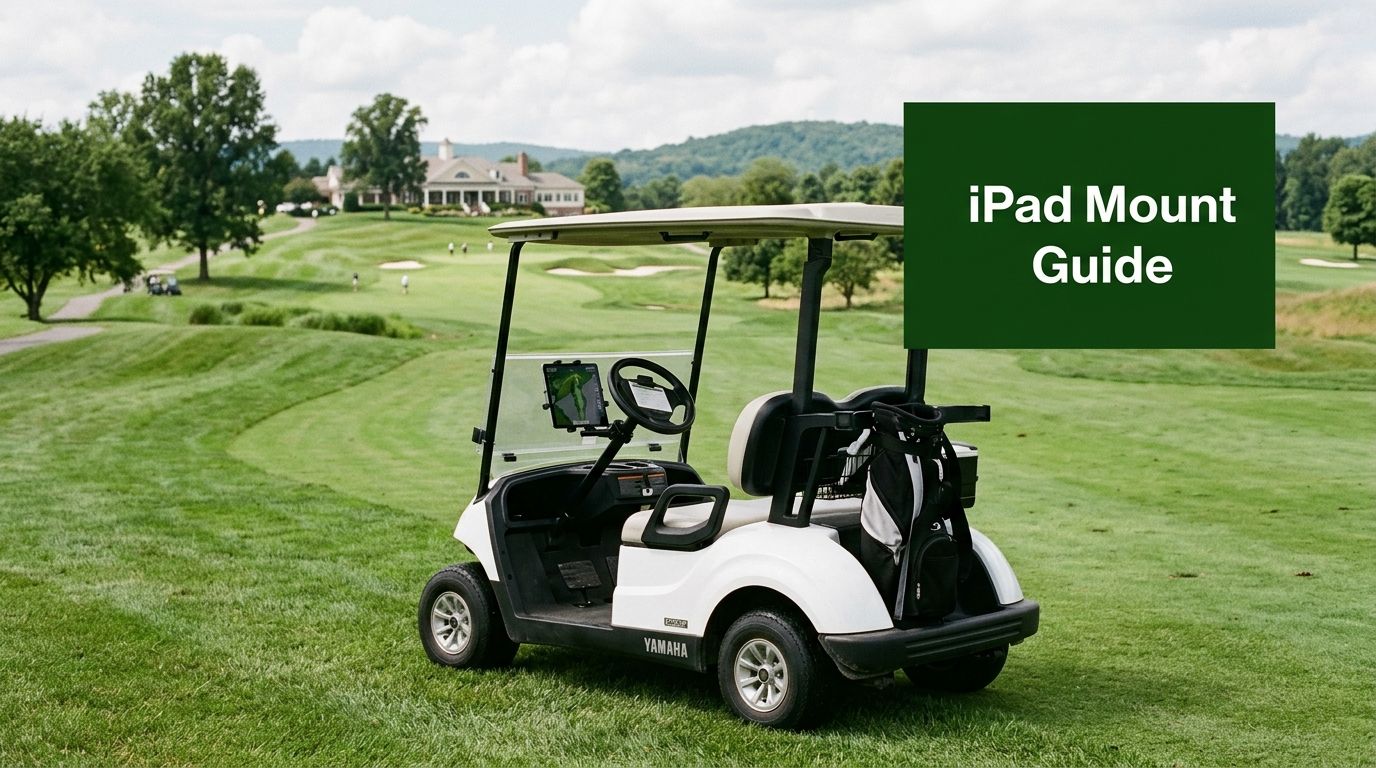
You're already at the point where a phone mount feels too small, a scorecard gets messy in the wind, and the GPS app is hard to read once the sun hits the cart path. That's usually when a proper iPad mount for golf cart stops sounding like a convenience and starts sounding like the difference between a smooth round and a frustrating one.
The best setups solve more than screen size. They keep the tablet visible, steady, and reachable while the cart shakes, turns, and parks in direct light, which is why the category has moved from simple cradles to more engineered accessories. If you're also thinking about other on-cart add-ons, the practical style of Marq Golfer Bands from Nothing But Bands is a useful example of how golf gear has shifted toward purpose-built, cart-friendly equipment. For a broader look at how golfers use course tech, the guide to GPS for golf courses is a helpful companion.
Why Golfers Are Strapping iPads to Their Carts
A common failure point shows up fast. A golfer checks a phone for a yardage app, pockets it, then pulls it out again two holes later because the screen is too small to read in glare. Another player keeps a paper scorecard on the cart, then watches it flap around in the wind while trying not to lose track of the last putt.
An iPad changes that workflow because it can sit where you need it, in view, steady, and ready for GPS, scoring, music, or a club-management app. That matters most when the round is moving and nobody wants to stop, dig through a bag, or ask for the hole location again.
The market has clearly matured past novelty. There are basic holders, more secure clamp systems, and larger tablet solutions sized for modern iPads and other tablets, which tells you this isn't just about holding a device anymore. It's about making the cart itself a usable information hub, especially for golfers who prefer a cleaner setup than balancing a phone on a seat or cup holder.
There's also a practical crossover with everyday golf tech. If you've ever used a watch band, GPS app, or rangefinder and still wanted a bigger, more stable display, an iPad on the cart makes sense because it centralizes everything. That's why the right mount feels less like an accessory and more like part of the round.
The Main Types of Golf Cart iPad Mounts

The first thing to recognize on any product page is the mount architecture. Most buyers will run into three practical choices: clamp-style holders, suction or adhesive mounts, and modular case-and-clamp systems. Each one solves a different cart geometry problem, and each one fails in a different way if you put it on the wrong surface.
Clamp-style holders
Clamp mounts are the workhorse option for round frame tubes, roll bars, and open-frame carts. They make the most sense when you can grab a solid tube and keep the tablet close to the line of sight without relying on a flat dash.
They're usually the least fussy on carts with exposed bars, but they also depend heavily on clamp travel and tube shape. A mount can look universal online and still be a bad fit if the joint can't fully close around the rail.
Suction or adhesive mounts
These are best for flat dashboards or similarly smooth surfaces. They can look cleaner than a clamp and often place the screen in a central, easy-to-read position.
The weakness is obvious on a real cart, not in a product photo. If the surface isn't smooth, clean, and stable, suction or adhesive starts with a compromise. On some carts, that compromise is fine. On others, it's the first thing to loosen once vibration and heat show up.
Modular case-and-clamp systems
Modular systems separate the tablet case from the cart attachment. That matters because the clamp can be chosen for the cart frame, while the case handles the tablet itself.
This is the architecture that starts to make sense for bigger devices and more serious use. Many current golf-cart tablet mounts are designed for devices between 4.7 and 13 inches, with some universal tablet attachments for golf-cart storage systems supporting screens up to 18.4 inches. That range shows how far the category has moved from basic phone holders into full-size tablet solutions, and why the mount style matters as much as the device size. For a similar product class that stays closer to phones, the comparison around a golf cart cell phone holder is useful.
Practical rule: if the cart gives you a sturdy tube, use a clamp. If it gives you a flat, clean dash, suction or adhesive can work. If you're carrying a larger iPad or a rugged case, modular is usually the safer path.
Five Features That Actually Matter on the Course

Independent buying guidance places golf-cart iPad mounts in three rough price bands, around $18-$30 for basic models, $35-$60 for mid-range, and $60-$120+ for premium or custom-fit options with locking, charging, or OEM-style integration. That spread tells you the category is mature enough to support very different use cases, but it also means the cheapest choice often skips the details that matter most on-course. The same guide notes that many universal-fit mounts advertise 360° adjustability and compatibility with brands like EZGO, Club Car, and Yamaha, which is a strong hint that universality is now a commercial standard rather than a bonus.
Device compatibility and size envelope
Start with the tablet you own, including its case. A mount that lists a tablet size can still fail if the protective case makes the device thicker or changes the corner shape.
Big screens improve readability, but they also increase stress on the joint. That's why a mount rated for a tablet size isn't automatically a mount that will hold it well once the cart starts moving.
Clamping travel and grip
The key question isn't whether the clamp grabs. It's whether it fully engages the tube or surface without bottoming out or sitting on the edge of the rail. A mount can work in a showroom and wobble on the course if the clamp geometry is wrong.
I pay more attention to contact area than marketing language. If the clamp only partially closes, vibration can slowly work the joint loose even when the tablet itself seems secure at first.
Viewing-angle adjustability
A good golf-cart mount should let you switch between portrait and portrait orientations without rebuilding the setup. That matters because GPS, scoring, and music apps don't all benefit from the same orientation.
You want enough articulation to angle the screen away from sun glare, but not so much play that the mount drifts after a few bumps. The best units feel deliberate when you move them and stubborn when you stop.
Weather resistance and heat tolerance
Outdoor use is hard on tablets. Direct sun, heat, and a parked cart can become a problem quickly, especially if the device stays mounted and idle for long stretches.
Heat is the silent failure mode. A mount that protects the tablet physically but leaves it baking in full sun is still a bad setup.
Security against vibration and theft
A good course mount resists two threats at once, movement and opportunistic grabbing. Vibration loosens weak joints over time, while a visibly easy-to-remove tablet invites problems when the cart is parked.
Best buy signal: you want adjustability, but you want it backed by strong joints and a mounting interface that doesn't feel like it's relying on hope.
Where to Mount on Push Carts and Motorized Caddies

The mount point matters as much as the mount itself. A location that feels stable on a driveway can shift once the cart hits repeated bumps, turns, and cart-path seams, and that's where push carts and motorized carts start to diverge in practice.
Push carts
A walking push cart usually gives you three useful attachment zones. The handle crossbar is the easiest to see from while walking, the upper frame tube is often the most structurally honest attachment point, and the bag-well bracket can keep the setup low-profile if you don't mind looking down more often.
The trade-off is visibility versus control. Higher mounts are easier to read on the move, but they can swing more if the cart is heavily loaded or the arm extension is too long.
Motorized caddies and golf carts
A motorized caddy or full golf cart opens up flatter and more central mounting choices. A dashboard gives you a cleaner install, the steering column can be a very stable clamp point, and a roof support strut can lift the screen into a better glare-reduction angle.
That extra choice is useful, but it can also fool buyers into thinking every surface is equally strong. A rigid-looking cover panel is not the same thing as a load-bearing structure.
Most universal-fit golf-cart tablet mounts advertise 360° adjustability and compatibility with common golf-cart brands such as EZGO, Club Car, and Yamaha, which is why you'll see a lot of generic mounting claims. The smart move is to map those claims back to your own cart geometry before you buy.
The key difference is vibration path. A walking push cart tends to transmit shorter, more frequent jolts through the frame, while powered carts add their own sustained movement and path chatter. A mount that seems solid at rest can still drift once the cart has covered a few holes.
A quick visual reference can help before you start measuring:
| Use case | Best mount point | Viewing angle |
|---|---|---|
| Walking push cart | Handle crossbar or upper frame tube | Slight tilt toward the player |
| Motorized cart | Steering column or dashboard | More upright, central view |
| Sun-heavy conditions | Roof support strut or elevated clamp | Angled away from glare |
| Lower-profile preference | Bag-well bracket | Downward, discreet view |
If you want a separate walkthrough of cart-tech placement, the video guide below is useful for seeing how mount positions change the viewing experience.
Installing the Mount Without Stripping a Clamp
A good install starts before any screw turns. Measure the rail, dash edge, or tube first, then dry-fit the clamp so you can see whether it closes fully without bottoming out. That one check tells you more than the product title does.
The reviewed adjustable holder that gripped about 1.25 inches of rail or fixture width while accommodating devices up to 13 inches is a useful reminder that the clamp interface matters as much as screen size. If the clamp can't fully engage the cart's mounting point, the whole setup is compromised from the start. That's why measuring the cart's mounting point before purchase matters more than screen size alone, especially on carts with thicker tubing or unusual brackets.
Once the clamp fits, set the viewing angle before you fully lock everything down. If you tighten first and adjust later, you're more likely to over-torque plastic threads or leave the joint half-loaded in a bad position.
Do this gently: snug the hardware until it stops moving, then test it under a little hand pressure. If a knob needs brute force, the mount probably isn't aligned correctly.
Cable routing deserves the same attention. Keep the charging lead close to the frame, use a clean strain-relief path, and avoid any run where it can catch on branches, clubs, or a seat edge.
If you need help thinking through charging as part of the install, the guide to USB port for golf cart can help you plan power placement without turning the mount into a snag point. The install should feel tidy, not improvised.
Why Modular Case and Clamp Systems Hold Up Better
There's a simple reason modular systems feel more solid on rough courses. They separate the job of holding the tablet from the job of attaching to the cart, so the clamp doesn't have to do everything at once.
Tether Tools describes an iPad setup using the X Lock Connect, X Lock Case for iPad, and Rock Solid EasyGrip that mounts on tripods, clamps, or arms rather than a single-purpose consumer cradle. That design is relevant on a golf cart because it lets the cart-side hardware match the frame, while the tablet-side hardware matches the device. In practical terms, that means less torsional play at the joint and fewer weird compromises when the cart's tube size isn't friendly.
This approach also makes replacement easier. If the case takes a hit, you swap the case. If the clamp doesn't suit the cart, you swap the clamp. You're not forced to replace the entire setup because one part failed.
It matters even more with larger tablets. A 12.9-inch iPad in a rugged case creates more twisting force than a small phone or bare tablet, and that force punishes weak joints. Modular systems handle that better because the retention load and the attachment load are not pretending to be the same thing.
For buyers who care about stability first, this is the cleanest engineering argument in the category. It isn't fancy. It's just a better load path.
On-Course Use Cases That Change the Mount Decision
A GPS app wants a different setup than a live scoring screen. The GPS view usually works best a little lower and slightly tilted, so the eye line stays close to the fairway and the cart doesn't need constant repositioning. A scoring app, by contrast, is easier to glance at when it sits a little higher and more upright.
Music or course-strategy screens sit somewhere in between. They don't need to dominate the sightline, but they do need to stay readable without forcing a player to twist at address or while walking to the next shot.
| Use case | Best mount point | Viewing angle |
|---|---|---|
| GPS rangefinder app | Lower handle or dash area | Slight tilt, easy glance |
| Live scoring | Mid-height frame or column | More upright, quick check |
| Music or strategy screen | Central mount with moderate height | Balanced, reduced glare |
A small positioning choice can change how natural the round feels. If the screen fights your posture, it becomes clutter. If it sits where your hand and eyes already travel, it disappears into the flow of play.
Power, Cables, and a Short Maintenance Routine
A tidy cable run is part of a good mount, not an extra. Route a weather-resistant charging cable along the frame with clips or ties so it can't snag when the cart turns or stops, and decide early whether you want an on-cart power bank or a spare battery you carry separately.
If you're sorting out charging behavior on the cart itself, the overview at solve iPad car charging problems is a practical companion. The main point is simple, power should support the mount, not clutter it.
Heat needs the same discipline. Tablets left in direct sun on a parked cart can reach temperatures above 95°F / 35°C, which is enough to risk internal damage if the device sits there too long. Pull it into shade, remove it when you're done, or at least avoid leaving it mounted through a long stop.
A once-a-month routine keeps most setups honest. Retighten clamps, clean the contact points, inspect the rubber pads, and make sure the cable still has strain relief. That's usually enough to catch the kind of wear that turns a stable mount into a rattly one.
The best setup is the one you'll maintain. If it takes constant fiddling, you'll stop trusting it.
If you want a golf-cart setup that feels secure from the first hole to the last, Caddie Wheel can help you think about the whole system, not just the tablet holder. Visit Caddie Wheel to see how practical cart upgrades can work together, then choose the mount that fits your cart geometry, your tablet size, and the way you play.
Share:
Electric Golf Cart UTV: Which One Do You Need in 2026?
Tony Romo Golf Handicap: What Is It Really?