
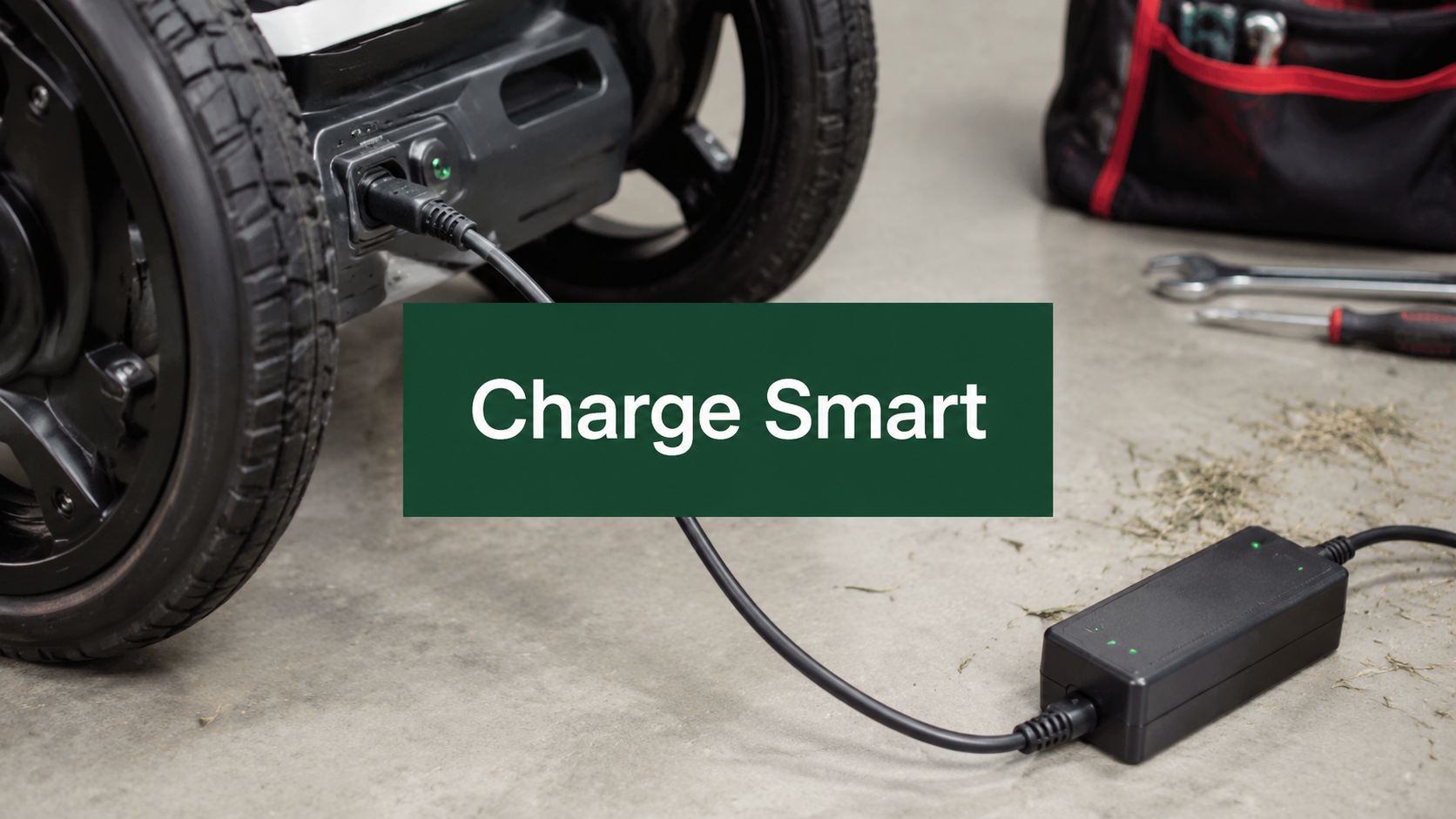
The night before a round is supposed to be easy. Clubs are cleaned, balls are packed, shoes are by the door, and your push cart is waiting. Then you plug in the battery and nothing happens. No charging light. No response. Just that quiet moment where you start wondering if the battery is finished, the charger has failed, or your morning tee time is about to turn into a carry-bag round.
That frustration is real, especially when the problem shows up right before you head to the course. The good news is that most battery charging problems aren't caused by a ruined battery. In support, the issues that show up most often are simpler: a loose connection, debris in the port, the wrong charger, a cable that looks fine but isn't delivering what the battery needs, or a battery that was plugged in too soon after sitting in heat or cold.
If you've ever gone through the same routine with another rechargeable product, the pattern is familiar. Even something as simple as powering on your solar light can come down to checking the charging path in the right order instead of assuming the device itself is dead. Battery systems are usually more logical than they feel in the moment.
That Sinking Feeling When Your Caddie Wheel Won't Charge
The most common mistake is jumping straight to the worst-case conclusion. Golfers often see “not charging” and think “bad battery.” That's understandable, but it's usually too early for that call.
A charging system is really a chain. Wall outlet. Charger brick. Cable. Charging port. Battery management system. Battery pack. If any link in that chain is interrupted, charging stops. On the course or in the garage, small things get in the way fast. Dust, grass, sand, moisture, and bent connectors are all common.
What this usually looks like in real life
One golfer plugs in after a round and the indicator doesn't light. The charger is blamed immediately. But the outlet was switched off.
Another golfer packs the unit into the trunk after a hot afternoon, tries charging the moment they get home, and gets inconsistent behavior. The battery may be too warm and needs time to settle.
A third golfer borrows a USB-C charger because the connector fits. The battery still won't charge properly. The issue isn't the fit. It's the power agreement between the charger, cable, and battery system.
Most charging faults feel serious at first because they stop the whole routine. Most of them are still fixable without repair.
The right approach is calm, fast, and methodical. Check the easy items first. Don't force connectors. Don't keep swapping random chargers. Don't assume a dead battery until the charging path has been tested from end to end.
Your First Five Minutes of Diagnostics
When you're dealing with battery charging problems, speed matters less than sequence. Start outside the unit and move inward. That saves time and helps you find the actual failure point.

Start at the wall
Before touching the battery, confirm the outlet is live. Plug in something simple that you know works. If you're using a garage outlet, check whether a switch controls it. If you're using a power strip, make sure the strip itself hasn't tripped.
This sounds basic, but it removes guesswork immediately.
Follow the charging path in order
Use this quick checklist:
- Test the power source. Try a different outlet before assuming the charger failed.
- Inspect the charger body. Look for heat damage, cracking, looseness where the cable meets the brick, or a smell that suggests electrical stress.
- Check the cable carefully. Run your fingers along it and look for flattened sections, cuts, exposed areas, or a bend near the connector.
- Inspect the charging port. If the unit has been in grass, sand, or a cart bag pocket, debris may be blocking full contact.
- Reconnect firmly. Plug everything back in with steady pressure. A connector that's only partly seated can act like a dead system.
For a broader consumer troubleshooting reference, Chargie's fix guide does a good job of showing how often charging failures start with the adapter, cable, or connection rather than the battery itself.
What to look for on the unit
You're not trying to diagnose electronics in five minutes. You're looking for signs.
- No response at all often points to outlet, charger, cable, or connection.
- Intermittent charging usually suggests a worn cable, dirty port, or loose connector.
- Charging starts only when you hold the plug a certain way strongly points to port contamination, a damaged connector, or strain at the cable end.
Practical rule: If charging behavior changes when the cable moves, stop blaming the battery first.
If you want to separate “charging issue” from “battery capacity issue,” a simple next read is this guide on how to test battery capacity. It helps when the battery accepts charge but doesn't seem to hold it well enough on the course.
A quick reset can help
If the battery and charger look normal but the system still seems unresponsive, disconnect the charger, let the unit sit briefly, then reconnect cleanly. A simple power cycle can clear a one-off communication hiccup.
Don't do repeated rapid plug-in attempts. Give the system a moment between tries so you're not creating more confusion than clarity.
Identifying Common Causes of Charging Failures
Once the obvious checks are done, the next step is narrowing the fault by symptom. Battery charging problems usually come from one of three places: contamination, charger mismatch, or a worn charging component.

Dirt in the port is more common than people expect
Golf gear is used in everyday conditions. It gets set on wet turf, loaded into trunks, rolled through dust, and stored beside towels, tees, and gloves. That makes the charging port an easy place for lint, sand, or compacted debris to collect.
If the connector doesn't seat fully, the battery may not charge at all, or it may charge only intermittently. Use a careful visual check. If you see debris, remove it gently with a soft dry tool or clean air. Don't use anything wet. Don't jam metal into the port.
A clean connector should fit smoothly and firmly. If you feel resistance, stop and inspect again.
A charger that fits still may not work
Resolving charging issues often consumes significant time. Many charging problems stem from a mismatch between the charger, cable, and device. Modern devices often require a specific power contract negotiation; if a charger or cable doesn't support the required protocol or wattage, the device may charge slowly, intermittently, or not at all. This is why a charger that “fits” might not “work,” as it cannot supply the power the battery's management system requests, as explained in this charging compatibility overview.
That matters more now because USB-C and fast-charging ecosystems can look universal when they aren't. The connector shape alone doesn't tell you whether the charger, cable, and device agree on how power should be delivered.
What a failing charger or cable often does
A worn charger brick may still power on but fail under load. A cable can look perfect externally and still break internally near the connector ends where it flexes most.
Common clues include:
- Charging starts and stops when the cable is moved.
- The charger gets unusually warm without delivering a stable charge.
- One cable works and another doesn't, even though both physically connect.
- The unit charges in one location but not another, which can point back to outlet quality or a loose adapter connection.
Here's a closer visual reference for the kind of hardware checks that matter before assuming an internal fault:
If you're comparing broader electric cart power issues, this related guide on golf cart battery issues can help frame the difference between a charging-path problem and a battery-performance problem.
If the charger, cable, and port all check out, that's the point where an internal battery or charging circuit issue becomes more likely.
Smart Charging Habits to Maximize Battery Lifespan
A battery that charges today but ages well over time usually gets treated differently from one that's pushed to the limit every day. Good habits won't prevent every problem, but they reduce avoidable stress.
Don't chase full charge all the time
Lithium-ion batteries last longer when they aren't kept at the very top of their voltage range. Battery University reports that charging a Li-ion cell to 4.20V per cell typically yields about 300 to 500 cycles, while 4.10V can extend life to roughly 600 to 1,000 cycles. Lower limits extend life further, with a tradeoff in available capacity. The same source notes that every 70mV reduction in charge voltage can lower usable capacity by about 10%, which is why battery care is always a balance between maximum runtime and long-term durability in Battery University's lithium battery guide.
That's the practical takeaway. If you need every bit of runtime for a long day, full charge makes sense. If you're storing the battery or only playing a shorter round, constantly keeping it topped off is harder on it than many golfers realize.

Habits that help on and off the course
- Let a hot battery cool first. If you've just finished a warm round, don't rush straight to the charger in the trunk or garage.
- Avoid charging in extreme cold. A battery that has sat in a cold car or garage may need time to return to a moderate temperature.
- Use the intended charger and compatible cable. Random substitutes create unnecessary uncertainty.
- Unplug after charging. Leaving a battery sitting at full charge for long stretches adds stress over time.
- Store partially charged for long breaks. For offseason or extended storage, a middle charge state is gentler than leaving it full or empty.
What works better than generic battery advice
Golf use has its own pattern. Batteries get used intensely, then sit between rounds. That means storage habits matter almost as much as charging habits.
A lot of general consumer advice also overlaps with what phone repair technicians see every day. If you want a simple parallel example, this article on how to fix phone battery draining fast is useful because it shows how heat, charging behavior, and accessory choice affect battery reliability across portable devices.
For golfers looking at broader charging routines for powered equipment, this overview on how to charge a golf cart is a helpful companion read.
Good battery care is mostly restraint. Don't force full charge when you don't need it. Don't charge in bad temperature conditions. Don't mix in unknown chargers just because they connect.
The only product-specific point worth making here is simple. A Caddie Wheel power-assist system depends on the battery, charger, cable, and port behaving as one matched setup. Keeping that setup clean and consistent is usually more effective than trying accessory workarounds.
When to Contact Caddie Wheel for Service
Some problems stop being worth DIY time. If you've tested the outlet, inspected the charger, checked the cable, cleaned the port, reconnected carefully, and the battery still won't charge, it's time to get support involved.

Signs it's time to stop troubleshooting
You should reach out for service if:
- The unit shows no charging response after you've verified the full charging path.
- The port appears loose or physically damaged.
- The charger connection feels unstable even after cleaning and reseating.
- Charging is highly inconsistent across repeated attempts with the proper equipment.
- The battery behaves abnormally after storage or transport, even when the charger and cable appear normal.
What to have ready before contacting support
A faster support conversation usually starts with a short, clear summary. Have these details nearby:
- Your serial number
- A description of what the indicator is doing
- Which charger and cable you used
- Whether you tested another outlet
- Whether you cleaned the charging port
- Any recent storage conditions, such as heat, cold, or a long period without use
A support team can diagnose much faster when they know what you already ruled out.
If your unit is within the 12-month warranty described by the publisher information provided for Caddie Wheel, mention that when you contact support and include proof of purchase. Keep the explanation simple. What happened, what you tested, and what changed. That usually gets you to the right next step faster than a long guess-filled description.
The key point is reassurance. If you've worked through the basic checks and the battery still won't charge, you haven't failed. You've done the useful part. The remaining issue may need a charger replacement, battery evaluation, or inspection of the charging circuitry.
Frequently Asked Questions About Charging
Some charging questions don't fit neatly into a troubleshooting sequence. These are the ones that come up often because they sit right between normal use and actual battery charging problems.
Quick answers golfers ask most
| Question | Answer |
|---|---|
| My battery won't charge the night before a round. What should I do first? | Start with the outlet, charger, cable, and charging port in that order. Don't assume the battery is dead until the whole charging path has been checked. |
| Can I use any charger if the plug fits? | No. A matching connector doesn't guarantee the charger and battery can agree on the required power delivery. That's a common cause of charging failure. |
| Is it okay to charge right after a round? | Usually it's better to let the battery return to a moderate temperature first, especially after a hot day or if the battery has been sitting in a cold vehicle. |
| My battery charges sometimes but not every time. What does that suggest? | Intermittent charging usually points to a cable problem, debris in the port, a loose connection, or a charger that isn't delivering stable power. |
| Should I leave the battery plugged in all the time? | That's not a good long-term habit. Keeping lithium-ion cells at the top of their range for extended periods adds stress. |
| What if the charger light is on but the battery still seems weak on the course? | That may be less about charging and more about battery capacity or battery condition under load. Capacity testing is the better next step. |
| Can grass or sand really stop charging? | Yes. Small debris in a charging port can prevent a full connection even when the plug appears inserted. |
| Is fast charging always bad for battery life? | Not automatically. Real-world EV data from Recurrent found no statistically significant difference in range degradation between Tesla vehicles that fast charged more than 70% of the time and those that fast charged less than 30% of the time across more than 160,000 data points observed between 2012 and 2023, though the company noted that all batteries still degrade over time and later-life effects may still emerge. It also advises avoiding fast charging when the battery is very hot, very cold, or at extreme states of charge such as 5% or 90% in Recurrent's fast charging analysis. |
| Why do some chargers seem fine but still fail in real use? | Reliability isn't just “is there power.” In EV charging, ChargerHelp reported that while published charger uptime has improved to about 98.7% to 99.9%, only 71% of charging attempts actually succeed, meaning roughly 29% fail despite stations appearing operational. New stations averaged an 85% success rate, dropping to 69.9% by year three, which shows why session success matters more than appearance alone in ChargerHelp's reliability report. |
| Are charging failures usually hardware faults? | Not always. Kempower's analysis of 13 million charging sessions found 81% of failures were tied to user-oriented issues and 19% to technical faults. Within technical failures, EV communication issues were about 47.1% and locking issues about 44.1%, while the leading usability failure was “No Authentication” at about 75.7% in Kempower's charging reliability analysis. The lesson for small battery systems is the same: check the connection process before assuming major hardware failure. |
If your battery still isn't charging after the basics, stop guessing and document what you've tested. That makes the next step much easier.
If you need help with a charging issue, battery question, or replacement guidance, contact Caddie Wheel. A clear description of the symptom, the charger you used, and the steps you already tried will help the support team get you to the right fix faster.
Share:
How to Install Your Golf Cart Bracket: 2026 Setup Guide
What Is the Most Important Golf Club? an Expert's Guide