

A golf remote control cart takes the toughest part of walking the course—hauling your heavy bag—off your shoulders so you can save that energy for your swing. Think of it as a smart caddy that carries your clubs for you, following your commands from a handheld remote. It’s the perfect solution for golfers who love to walk but want to ditch the physical strain.
Walk the Course Smarter, Not Harder
Imagine striding down the fairway, feeling the sun on your back and the grass under your feet, without that familiar ache from pushing a cart up and down hills. This isn’t about being lazy; it's about playing a smarter, more enjoyable game of golf. A remote control cart is your personal caddy, freeing you from the five-plus miles of physical labor that comes with managing your gear.
This one simple change can completely transform your round. Instead of showing up to your ball slightly out of breath, especially after a tough uphill climb, you arrive fresh and clear-headed. All that energy you save is energy you can pour directly into your next shot, helping you keep your focus and stamina dialed in through all 18 holes.
The True Benefits of an Automated Caddy
The perks go way beyond just convenience. By getting rid of the physical burden, a golf remote control cart lets you soak up all the health benefits of walking without the usual wear and tear. This is a massive advantage for golfers who are managing chronic back or shoulder pain, since the constant pushing and pulling of a standard cart can easily stir up old injuries.
By minimizing the physical burden of carrying your clubs, an automated cart helps you walk the course smarter, contributing to a strategy on how to prevent sports injuries and extend your time on the greens.
Think about these key improvements to your game:
- Sustained Energy: Finish the back nine feeling just as strong as you did on the front. A lot of golfers find their game gets sharper on the final holes when they aren't physically drained.
- Enhanced Focus: When your cart is navigating on its own, your mind is free to read the green, think about club selection, and strategize your next shot without distraction.
- More Enjoyment: You can fully tune into the game, the conversation, and the beauty of the course around you, making every round a more relaxing and rewarding experience.
At the end of the day, this technology is all about preserving your body and sharpening your mind, helping you play better golf for a lot longer.
How Your Remote Caddy Actually Works
Ever wonder how a cart follows your every command from halfway down the fairway? It’s far less mysterious than you might think. At its heart, a golf remote control cart is like a sophisticated, turf-friendly remote-control car, bringing together a powerful motor, a long-lasting battery, and a smart receiver.
The whole system is a simple but brilliant dance between three key players. Your handheld remote is the transmitter, the cart's motor system is the receiver that does the work, and a reliable battery fuels the entire operation. It's a straightforward setup that makes your round significantly easier.
This kind of tech is quickly becoming a big deal in the golf world. The global market for golf push and pull carts is expected to jump from $0.29 billion in 2026 to $0.65 billion by 2035, and remote control models are leading that charge as a fast-growing and profitable segment.
The Signal, The Brain, and The Muscle
Think of the remote in your hand as the cart's brain. When you press a button—forward, left, stop—the remote sends out a low-frequency radio signal with that specific command. It’s the same basic idea as your garage door opener or car key fob, just with more advanced instructions for speed and direction.
The cart’s receiver, its "ears," is always listening for that signal. Once it gets the command, it translates the radio wave into an electrical pulse and zaps it over to the motor controller. That controller then tells the motor exactly what to do: how fast to spin the wheels, which way to turn, or when to hit the brakes.
This whole conversation happens in a split second, giving you a smooth, responsive experience that feels completely natural on the course.
The image below shows how letting the cart do the heavy lifting pays off in your health, focus, and stamina.
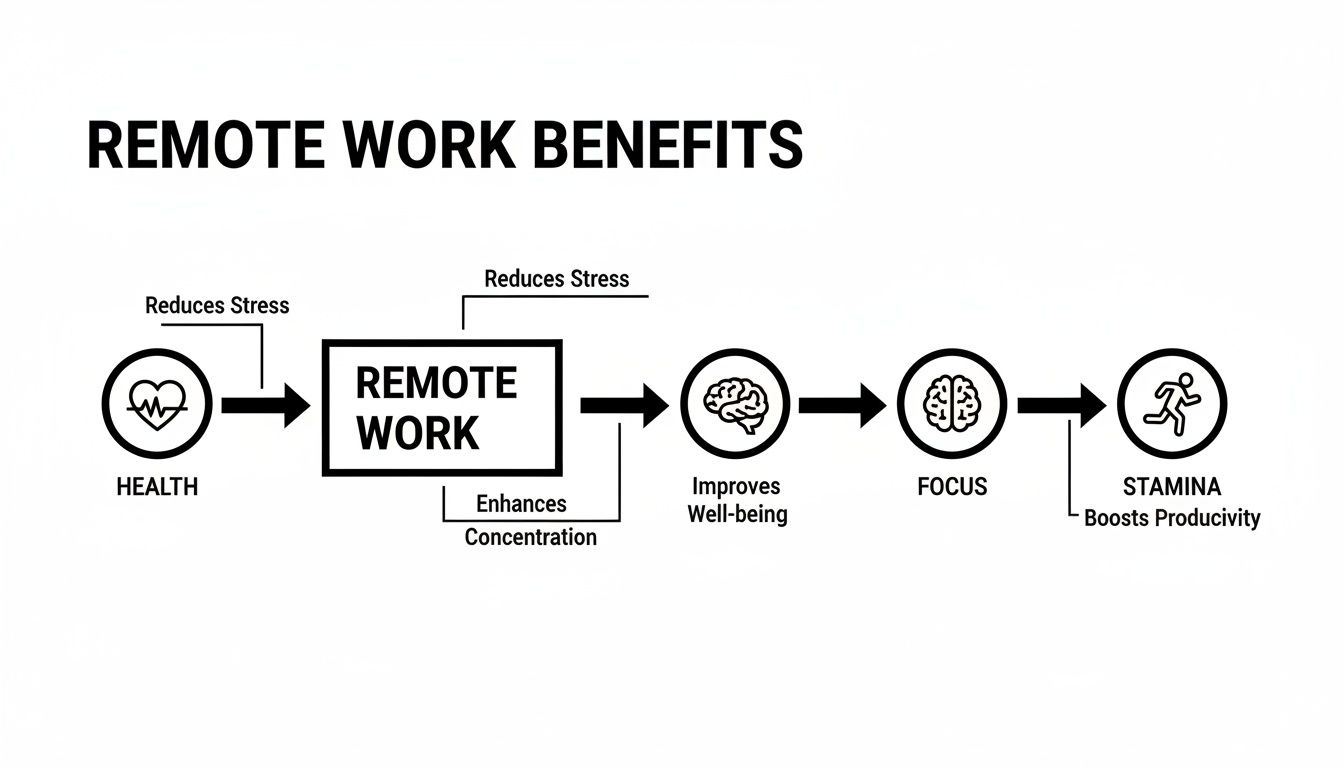
It’s a clear link: less physical strain means more mental clarity. You save your energy for what really matters—your swing.
Integrated Systems vs. Conversion Kits
When you're shopping for a golf remote control cart, you'll run into two main types of systems. Knowing the difference is key to finding the right fit for your game.
- Fully Integrated Carts: These are all-in-one units where the motors, battery, and electronics are built right into the frame at the factory. They’re designed from the ground up to be motorized and often have a very sleek, unified look.
- Conversion Kits: This is where the Caddie Wheel really shines. These awesome kits let you motorize the push cart you already have. They usually include a motorized axle, a battery pack, and a remote, all designed to clamp onto a standard cart frame with ease.
A conversion kit is a brilliant way to get all the benefits of automation without having to buy a whole new cart. It gives you the freedom to upgrade the gear you already own and love, making it a super flexible and budget-friendly choice.
Getting the basics of how these things work is helpful. For example, the technology behind a Comfygo X 9 Remote Controlled Electric Wheelchair can give you some insight into how remote controls and motors work in general. Even though it’s for a different purpose, the core principles of remote signals, motor response, and battery power are pretty similar. If you're curious, we have a guide that takes a deeper dive into what makes a great remote golf caddie.
Key Features That Actually Matter on the Course
Choosing the right golf remote control cart can feel like you’re wading through a swamp of specs and marketing claims. The trick is to tune out the noise and zero in on what will actually make a difference during your round. Think of this as your no-nonsense buyer’s checklist, built to help you judge a cart on its real-world chops, not just clever advertising.
Let's break down the guts of these machines, from the battery that gets you through 18 holes to the remote that puts you in the driver’s seat. Getting a handle on these core elements is the key to investing in a cart that fits your game, your home course, and how you like to play. After all, the best tech is the kind you don’t even notice—it just works.
This boom in automated caddies isn't just a flash in the pan. The market for these game-changing devices is growing fast as more golfers get hip to the benefits. As of 2024, the global remote-control electric golf caddy market was valued at US$165 million and is projected to climb to US$241 million by 2031. That’s a clear sign of strong, sustained demand. If you want to dig deeper, you can explore additional market insights to see just how mainstream these carts have become.
Decoding Battery Life and Power
The battery is the heart and soul of your remote caddy. Its performance can literally make or break your round. You’ll see manufacturers advertising battery life in terms of "holes," like "lasts 27 or 36 holes." While that's a decent starting point, it can be a bit misleading. It doesn’t factor in hilly terrain, soggy conditions, or the weight of your bag—all things that suck down power much faster.
A far more reliable number to look at is the battery's capacity, measured in ampere-hours (Ah). Think of it like the size of your car's gas tank—a bigger Ah number means more juice. A battery with a 24V/10Ah rating, for example, is a solid foundation for a full 18 holes and then some on a flat course.
Here are the critical battery specs to keep an eye on:
- Voltage (V) and Amp-Hours (Ah): Higher voltage usually means more torque for climbing hills, while more amp-hours translates to longer run time. You’re looking for a good balance that matches your typical course.
- Battery Type: Lithium-ion (Li-ion) batteries are the gold standard for a reason. They're way lighter, charge faster, and have a much longer lifespan than the old, clunky lead-acid batteries.
- Charging Time: How long does it take to get back to 100%? Most modern Li-ion batteries will fully recharge in 4-6 hours, so you can easily plug it in overnight and be ready for a morning tee time.
Motor Strength for Challenging Terrain
A cart's motor is its muscle. A weak one will sputter and struggle on steep inclines, leaving you to either give it a push or watch it crawl up the fairway. This is where dual motors, often found on higher-end models, really shine. They provide much better traction and power, making them a must-have for anyone who plays on a course with serious elevation changes.
But a motor’s power isn't just about speed; it's about control. A strong motor works hand-in-hand with features like automatic downhill braking. This clever function keeps the cart from getting away from you on steep declines, giving you total confidence and command, no matter the terrain.
When you’re looking at motor specs, just picture your home course. If it's mostly flat, a standard single motor will probably do the trick. But if you’re constantly tackling hills, investing in a cart with dual motors is a move you will never regret.
Portability and Weight
Let's be real—your remote control cart has to be easy to get from your garage to the first tee. A cart that’s a beast to lift or has a folding mechanism that feels like you’re solving a puzzle will become a major headache. Look for models that are both lightweight and fold up in one or two simple steps.
Keep these portability factors in mind:
- Folded Dimensions: Before you buy, check the measurements. Will it actually fit in your trunk next to your clubs?
- Total Weight: Remember, you're the one lifting this thing. Carts with aluminum or carbon fiber frames are way lighter without skimping on durability. Anything under 40 lbs is generally a manageable weight for most golfers.
- Ease of Folding: Look for an intuitive latching system. You want to be able to collapse the cart quickly and securely without a fight.
Remote Control Functionality and Range
The remote is your connection to the cart, and its design has a huge impact on your day. A good one is ergonomic, fitting comfortably in your hand or clipping easily to your belt. The controls should be dead simple, letting you manage speed, steering, and braking without needing to study a manual.
More advanced remotes can add some serious convenience. Some carts have preset distance buttons, letting you send it 15, 30, or 50 yards ahead to the next tee box while you head to the green. The signal range is also crucial. You need a reliable connection of at least 100-150 yards to make sure you don't lose contact when your cart is on the other side of the fairway.
To help you sort through all the options, here’s a quick checklist to compare the most important features, whether you're looking at a fully integrated cart or a conversion kit like the Caddie Wheel.
Feature Comparison Checklist for Remote Control Carts
| Feature | What to Look For | Why It Matters for Your Game |
|---|---|---|
| Battery Life (Ah) | Lithium-ion (Li-ion) with at least 10Ah. Aim for a rating that covers 27-36 holes to be safe. | Ensures your cart won't die mid-round, especially on long or hilly courses where power drains faster. |
| Motor Power | Dual motors for hilly courses; a powerful single motor for flatter terrain. Look for good torque. | Provides the muscle to climb steep inclines without slowing down or needing a manual push. |
| Weight & Portability | Under 40 lbs. A lightweight frame (aluminum/carbon fiber) and a simple, one-step folding mechanism. | Makes it easy to lift, transport, and store. A complicated or heavy cart quickly becomes a chore. |
| Remote Functionality | Intuitive layout, ergonomic design, and preset distance buttons (15, 30, 50 yards). | Allows for effortless control so you can focus on your shot, not fumbling with buttons. |
| Signal Range | A minimum of 100-150 yards. | Gives you the freedom to send your cart ahead or across fairways without worrying about losing connection. |
| Downhill Braking | Automatic electronic braking system that engages on declines. | Prevents the cart from running away from you on steep hills, giving you complete control and safety. |
| Compatibility (Kits) | Brackets or adapters designed to fit a wide range of popular push cart brands. Caddie Wheel is universally compatible. | If you're converting your push cart, you need to ensure the kit will actually fit your existing frame securely. |
Using this checklist will give you a clear framework for comparing different models. It helps you cut through the marketing fluff and focus on the features that will genuinely make your rounds more enjoyable and effortless.
Is a Remote Control Cart Right for Your Game?
A golf remote control cart is an incredible piece of gear, but let's be honest—it's not a magic bullet for every single player. While some golfers might write it off as an over-the-top luxury, for others, it’s the key that unlocks a more enjoyable, focused, and sustainable game.
So, how do you know if you fall into that second group?
It really comes down to the specific challenges you face out on the course. Are you starting to feel that familiar drag on the back nine? Does your home course feel more like a mountain expedition than a relaxing walk? Or maybe you just want to get your steps in for your health without the kind of strain that messes with your swing.
This technology truly shines when it solves a real problem. Let’s break down the types of golfers who stand to gain the most from letting an automated caddy do the heavy lifting. As we go, see if their stories sound a lot like your own.
The Senior Golfer Seeking Longevity
For so many senior players, the love for golf never fades, but the physical grind of walking 18 holes starts to take its toll. Pushing a 40-pound cart up and down hills isn't just exhausting; it can be risky, leading to strains, pulls, or even falls. The goal isn’t to stop walking—it’s to make walking manageable again.
This is where a remote control cart fits in perfectly. It takes the most strenuous part of the equation—all that pushing and pulling—off the table. This allows senior golfers to enjoy the fresh air and low-impact exercise of a good walk without completely draining the tank. That simple change can be the difference between calling it a day after nine holes and finishing all 18 strong, potentially extending a golf career by years.
The Fitness-Focused Golfer Protecting Their Swing
You walk the course for the cardio, not for the surprise upper-body workout. Fitness-minded golfers know the benefits of getting their steps in, but they also recognize that muscling a heavy cart around introduces a ton of tension into the shoulders, back, and arms. That lingering strain can quietly sabotage your swing mechanics, leading to frustrating inconsistency.
By offloading the cart’s weight to a motor, you save your body for what actually matters: the swing. You get the full cardiovascular benefit of the walk while keeping your muscles fresh and relaxed for every shot. It’s the perfect way to merge a great workout with peak on-course performance.
The core idea is to separate your exercise from your execution. Let your legs do the walking for your health, and let the cart carry the load to protect your game.
The Hillside Player Battling the Terrain
If your home course is carved into the side of a hill, you know the struggle is real. Pushing a cart up a steep fairway can feel like a monumental effort, and trying to control it on the way back down is a battle in itself. These courses are physically punishing and can wear you down long before you even see the 18th tee.
For this golfer, a golf remote control cart isn't a luxury; it's practically a necessity. A model with powerful motors and automatic downhill braking turns a monster of a course into a pleasant, manageable walk. The cart does all the hard work on the inclines, and the braking system keeps it from ever getting away from you on the declines. You stay in complete control and save a massive amount of energy.
The Tech-Savvy Golfer Improving the Experience
Let’s face it, some golfers just love integrating smart tools that make their hobbies more efficient and enjoyable. From GPS watches to swing analyzers, technology is a natural part of their game. For this player, a remote cart isn’t just about saving energy—it’s about streamlining the entire on-course experience.
The market for this tech is exploding for a reason. The global electric golf trolley market was valued at USD 704.6 million in 2024, with the remote-control segment alone making up USD 200 million of that. And it’s not slowing down; projections show this subsegment doubling to USD 400 million by 2035.
Sending your cart ahead to the next tee while you finish putting, or having it follow you down the fairway like a personal caddy, adds a layer of seamless convenience that just clicks with a tech-focused mindset. It’s about playing a smarter, more fluid round of golf. If this sounds like you, take a look at our guide to the 7 best remote control golf push cart options for 2025 to see what’s out there.
From Box to Fairway: Your First-Time Setup
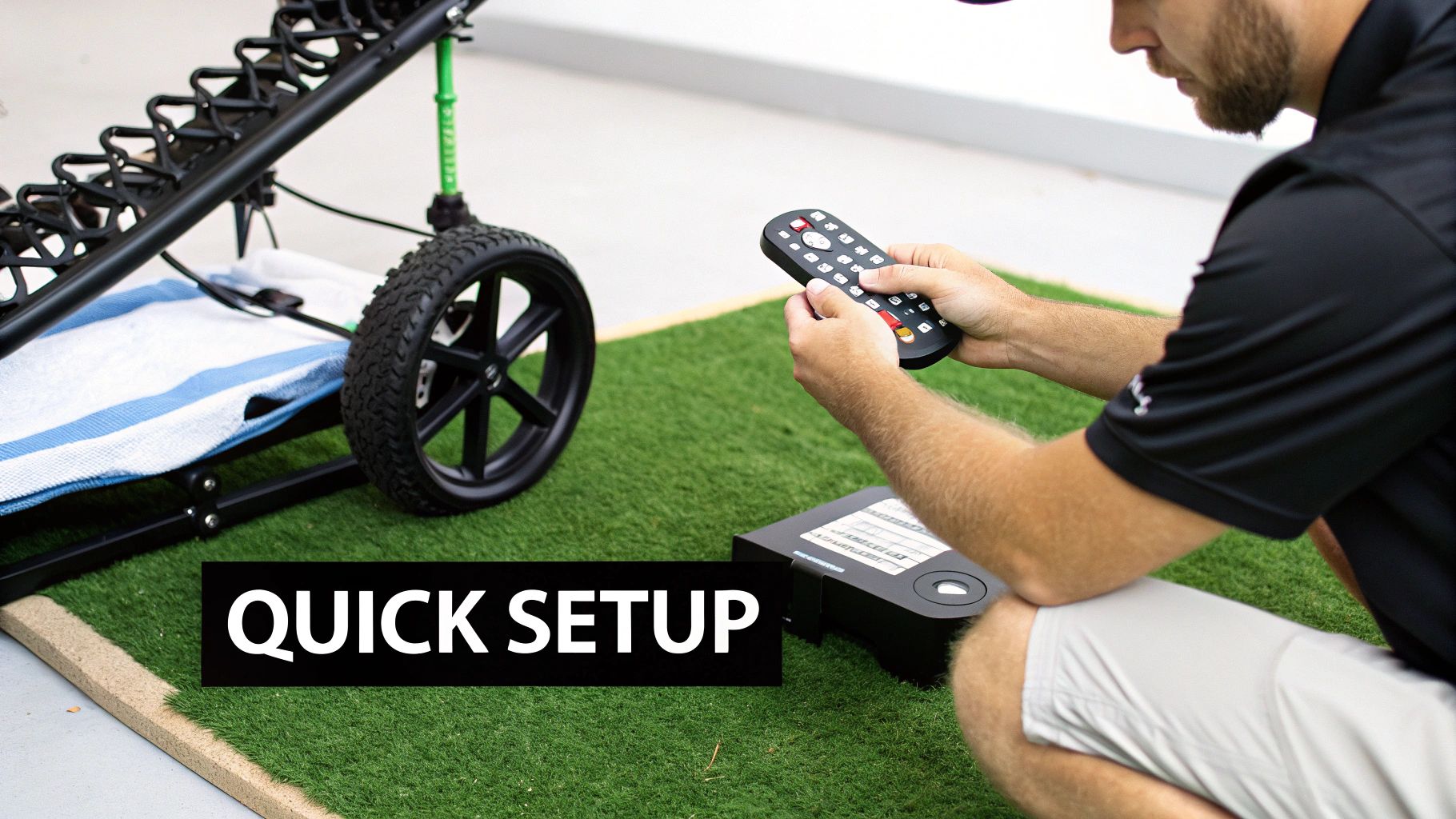
Getting started with new golf tech should be exciting, not intimidating. The good news? Setting up a modern golf remote control cart is a breeze, designed to get you on the course without any headaches. Think of it less like assembling furniture and more like pairing a new Bluetooth speaker.
This guide will walk you through the essential steps, from unboxing your new gear to taking it for its first spin. We'll focus on the simple setup for conversion kits like the Caddie Wheel—which motorize your existing push cart—but the same logic applies to most models.
Step 1: Initial Unboxing and Battery Charging
Your first move is the most important one for long-term performance: charging the battery. Before you do anything else, find the battery pack and charger, connect them, and plug it in. Most lithium-ion batteries arrive partially charged, but you always want to start with a full tank.
A complete first charge can take anywhere from 4 to 6 hours. This initial cycle is crucial because it helps condition the battery for a long, healthy life. While it’s charging, you can unbox the other components, like the motorized wheel unit, remote, and mounting brackets.
Step 2: Attaching the Unit to Your Cart
This is where the magic happens, and it's surprisingly straightforward. Most conversion kits are designed for universal compatibility, using a simple yet secure bracket system.
Here’s how it usually works:
- Position the Bracket: Clamp the main mounting bracket onto the rear axle or lower frame of your push cart. This is the foundation of the whole system, so make sure it's tightened properly according to the instructions.
- Attach the Motorized Unit: The main unit, which houses the motor and wheels, will typically click or slide right into place on the bracket. With the Caddie Wheel, this is a simple "drop-on" process.
- Connect the Power: Run the power cable from the motorized unit up to the battery, which you’ll likely place in your cart’s storage basket or a designated holder. The connection is almost always a simple plug-and-play design.
And that's it. For most systems, the physical installation is a tool-free process that takes just a few minutes.
Your goal is a snug, secure fit. The unit shouldn't wobble or shift once attached. A solid connection ensures the cart responds accurately to your remote commands without any lag or instability on uneven terrain.
Step 3: Pairing the Remote and Taking a Test Drive
With everything assembled, the final step is to sync your handheld remote to the cart. This process is usually automatic. Just turn on the battery pack and then power on the remote. A small LED light will typically flash for a moment and then turn solid, letting you know you have a successful connection.
Before you head to the first tee, take your new setup for a "first drive" in an open, flat area like your driveway or a quiet park. This is your chance to get a feel for the controls without any pressure.
- Test the Speed: Gently press the forward button to see how it accelerates. Practice feathering the controls to find a comfortable walking pace.
- Practice Turning: Get a sense of the cart’s turning radius. See how it responds to both sharp and gradual turns.
- Check the Brakes: Test the stop and brake functions to understand how quickly the cart comes to a halt.
Spending just 10-15 minutes practicing builds confidence and ensures your first experience on the fairway is smooth, enjoyable, and completely stress-free.
Simple Habits for Long-Lasting Performance
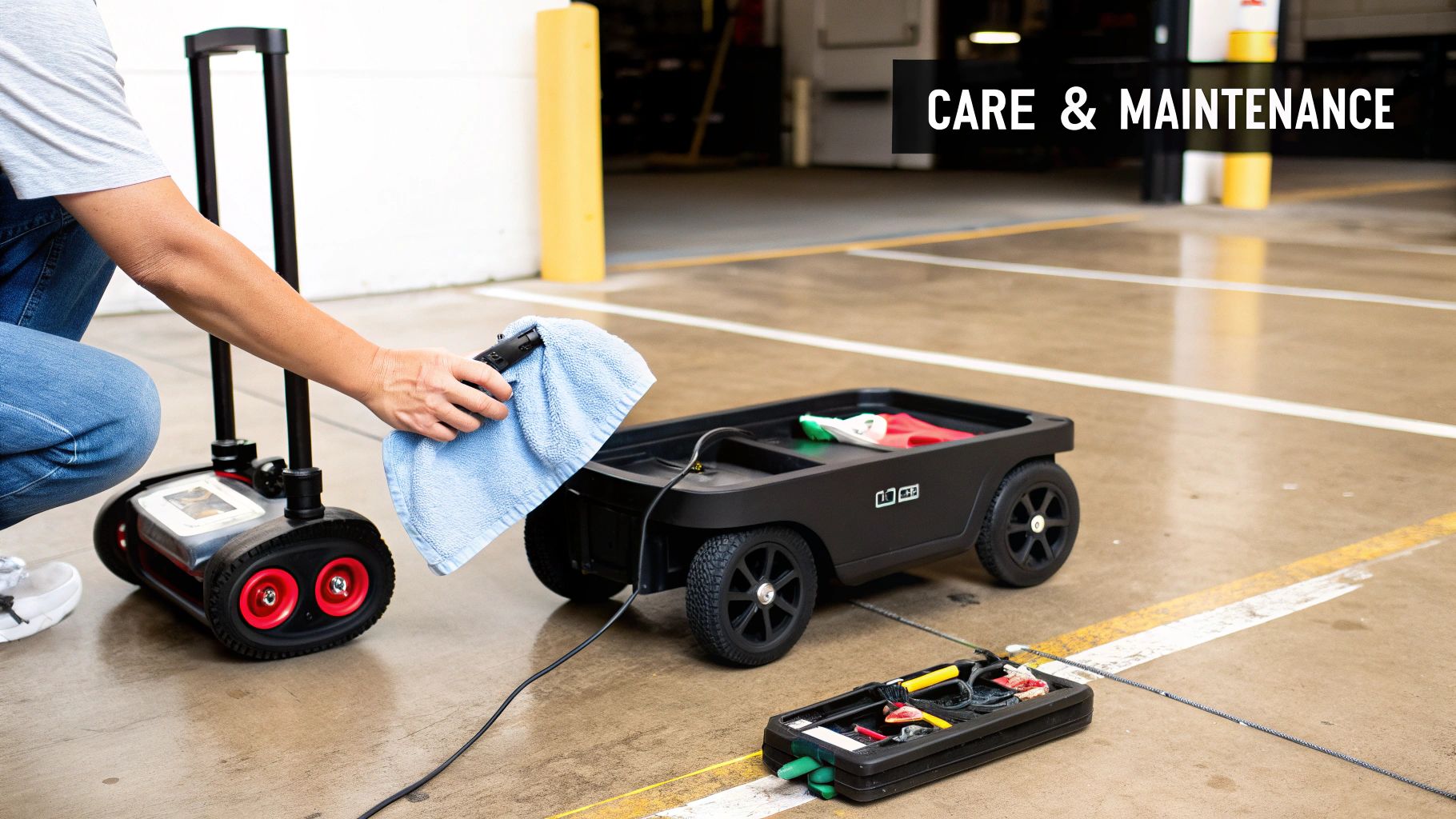
A golf remote control cart is a serious investment in your game, and just like your clubs, it needs a little routine care to perform its best. The good news is, keeping it in top shape is easy.
Think of it less as a chore and more as a quick post-round ritual. A few simple habits will protect your investment and ensure your cart is a reliable partner on the course for years to come. Spending a few minutes on upkeep now prevents minor issues from turning into major headaches down the road.
Mastering Battery Care
The battery is the heart of your entire system. Its health is everything. Thankfully, proper charging and storage are all it takes to maximize its lifespan and get hundreds of rounds from a single battery pack.
Always stick with the charger that came with your cart; it's specifically designed for your battery’s chemistry and voltage. After a round, get it on the charger and bring it back to 100% as soon as you can. Letting a battery sit completely drained for a long time is one of the fastest ways to kill its capacity for good.
For off-season storage, the golden rule is to charge the battery to around 50-75% capacity. Store it indoors in a cool, dry place—never in a freezing garage or a scorching shed, as extreme temperatures can cause irreversible damage.
If you really want to dive deep into this crucial topic, check out our complete guide to golf cart battery maintenance for even more detailed tips.
Keeping Components Clean and Clear
Your cart picks up all sorts of debris during a round—grass clippings, dirt, sand, you name it. While a little dirt won’t stop it, a buildup of gunk can interfere with moving parts and electronics over time. A quick wipe-down makes a huge difference.
- Frame and Body: Use a damp cloth to wipe down the main frame. Steer clear of high-pressure hoses, which can force water into sensitive electronic housings and lead to corrosion or short circuits.
- Wheels and Axles: Pay close attention to the wheels. Pull out any tangled grass or caked-on mud from around the axles. This kind of drag forces the motor to work harder than it needs to, which drains the battery faster.
- Remote Control: Your remote is your direct link to the cart. A gentle wipe with a soft, dry cloth will clear away any dirt or sweat and ensure the buttons stay responsive.
This simple cleaning routine only takes a few minutes but is one of the most effective ways to extend the life of your golf remote control cart. Treat it with the same care you give your clubs, and it will serve you well round after round.
Still Have a Few Questions?
Even after seeing all the benefits, it's perfectly normal to have some practical questions before going all-in on a golf remote control cart. This kind of tech is a big step up from a standard push cart, and you want to be sure it can handle the real world—your course, your hills, and your playing style.
Let's dig into some of the most common questions we hear from golfers. These are the nuts-and-bolts concerns that take you from just being curious to feeling confident you're making the right move.
How Well Do They Actually Handle Hills and Bumpy Ground?
This is probably the biggest question on everyone's mind, and for good reason. What's the point of an upgrade if the cart tips over on a sidehill or grinds to a halt on a steep fairway?
The answer is all in the engineering. A quality remote cart is built with a low center of gravity specifically to keep it stable and prevent tipping. The real magic, though, comes from powerful dual motors that deliver the torque needed to climb those tough hills without skipping a beat.
They also have automatic downhill braking systems. This is a game-changer. It means the cart keeps a steady, controlled pace on its own when going downhill, so you never have that heart-stopping moment of watching it run away from you. They're literally built to master the very terrain that makes pushing a cart by hand so draining.
What Happens if the Remote Battery Dies in the Middle of a Round?
The thought of losing control of your cart mid-round sounds like a nightmare, but manufacturers have already thought of that and built in some smart safeguards. First off, most remotes have fantastic battery life and can last several rounds on a single charge. It’s a good habit to just plug it in when you charge the main cart battery.
But if the unexpected happens and the remote does die, you're not stranded. Nearly every remote control cart has a manual mode.
A manual or "power-assist" mode lets you disengage the motors and simply use it like a traditional push cart. This feature is your backup plan, ensuring you can always finish your round without any drama.
Can a Conversion Kit Really Fit Any Push Cart?
The whole point of a conversion kit like the Caddie Wheel is its versatility. While a few kits out there are designed for specific brands, the best ones are made to be universal. They use adjustable brackets and mounting systems that can securely latch onto the frame or axle of most popular three- and four-wheel push carts on the market.
This means you can add all that awesome remote control power to the cart you already have—the one you know and love—without needing to buy a whole new setup.
Let's Be Honest: Is a Remote Control Cart Worth the Money?
Ultimately, this comes down to what you want out of your golf game. A golf remote control cart isn't just about making your walk easier; it's about improving your performance and helping you play for the long haul.
Think about it: by saving your physical energy for your swing, you stay sharper mentally and cut down on those sloppy, fatigue-related mistakes on the back nine. Plus, you’re putting a lot less strain on your back, shoulders, and knees over the course of a round.
When you add it all up—more energy, better focus, and the ability to comfortably walk the course for years to come—the value becomes pretty clear. It's an investment in a more enjoyable and sustainable way to play golf.
Ready to transform your walk? The Caddie Wheel offers a simple, powerful way to upgrade your existing push cart with remote control functionality. Discover how easy it is to walk smarter and play better today.
Share:
Best motorized push cart: Your guide to the best motorized push cart options
Your Ultimate Guide to Golf Cart Controller Repair