
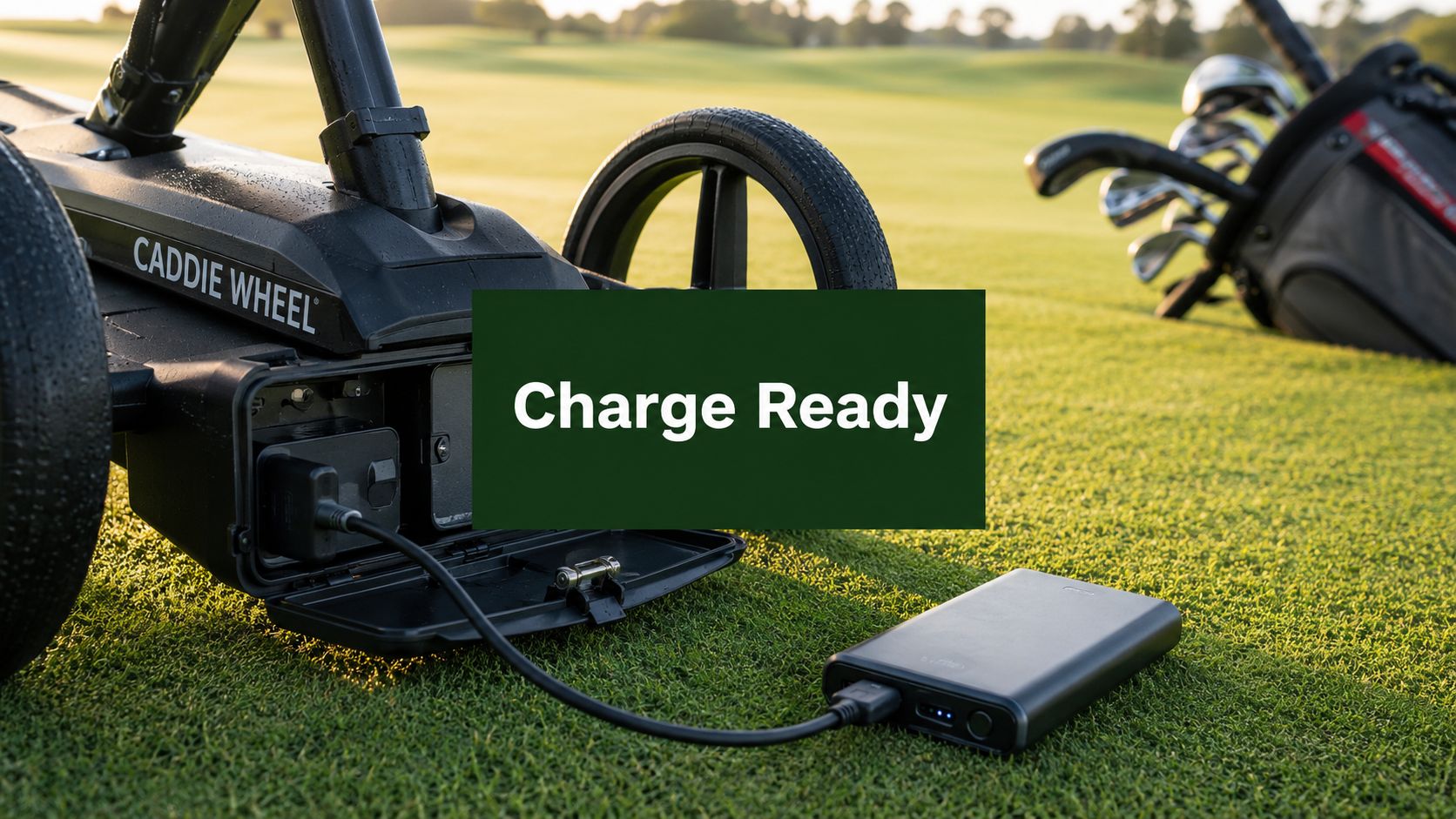
You finish 18 holes, unload the cart, and think about the next tee time before your shoes are even off. That's usually when battery care gets rushed. The charger goes wherever there's space, the battery gets plugged in without a second look, and you assume it'll be fine by the next round.
Most of the time, that works. Until it doesn't.
Outdoor golf gear puts different demands on a battery than a phone in your pocket. A cart-assist system deals with hills, long walks, stop-and-go use, and heat in the trunk or garage. If you want reliable power next round, knowing how to use a portable charger properly matters just as much as having one in the first place.
Get the Most from Your Caddie Wheel Battery
A portable charger feels like a small accessory until the morning of a round when you realize the battery isn't ready. Then it becomes the difference between a smooth walking round and dragging extra weight over every incline.
Golfers who walk often tend to build habits around clubs, shoes, gloves, rangefinders, and weather gear. Battery gear deserves that same routine. After a strong round, the smart move is simple: check the charger, store the battery correctly, and make sure the setup is ready before the next outing. That's especially true if your playing schedule is irregular and the equipment may sit for days or weeks between rounds.
Why battery habits matter on the course
A cart-assist battery isn't just powering a low-drain gadget. It supports a device that works outdoors under load. That means charging habits, storage conditions, and cable choices have a bigger effect than many golfers expect.
Practical rule: Treat your charger and battery like part of your golf setup, not an afterthought tossed into the garage.
I've found that the golfers who stay organized off the course usually stay organized with charging too. If you already like keeping essentials separated in one place, the same thinking behind best work totes with compartments applies here. A charger, cable, remote, and spare accessories are easier to protect when each has a set place.
What works and what doesn't
Some habits help immediately:
- Charge after use: Don't wait until the night before your next round.
- Use the matching equipment: Cables and adapters aren't interchangeable just because they fit.
- Store indoors: Cool, dry indoor storage is better than a hot car or shed.
- Watch for warning signs: Heat, swelling, odd smells, or visible damage mean stop using the device.
What doesn't work is guessing. Batteries are forgiving until repeated bad habits stack up. A little discipline after each round keeps your charger safer, your battery healthier, and your next tee time a lot less stressful.
Your First-Time Setup and Initial Charge
The night before your first round with a Caddie Wheel is the wrong time to learn how its battery behaves. Set it up early, charge it indoors, and pay attention to the first full cycle. That first session gives you a clear baseline for a battery that has to power a high-drain device outdoors, not a low-power gadget sitting on a desk.

Start with a clean setup
Unbox the battery, charger, and cable on a hard surface with good airflow. A bench, table, or countertop works well.
Before you plug anything in, check each part closely:
-
Inspect the battery and charger
Look for cracks, loose ports, bent connector pins, or any shipping damage. If something looks off, stop there and sort it out before charging. -
Stick with the correct charger and cable
Nestout advises using the original cable and adapter that match the device, and keeping chargers off flammable surfaces to reduce overheating risk (portable charger buying guide). That matters even more with Caddie Wheel equipment, since the battery is supporting a cart system that pulls more power than a phone or rangefinder. -
Seat every connection fully
Push each connector in until it feels secure. A half-connected plug can interrupt charging or make the status light misleading.
If you need the matching accessory, use the official portable remote charger instead of swapping in an old spare cable from another device.
Golfers who are still building out their setup can also review this golf accessories guide to keep charging gear, remote accessories, and on-course extras organized from the start.
Let the first charge run to full
The first full charge of a lithium battery for an electric golf caddy can take 8 to 16 hours (MGI Zip FAQs). That is a long window, but it is normal for an initial charge.
Do not cut that first cycle short just to test the wheel for a few minutes. Let it finish. With a Caddie Wheel battery, the first charge is less about speed and more about starting with a known full battery before you put it under real course load.
What to watch during that first session
Check on it from time to time. You are looking for normal behavior, not hovering over it all day.
Use these habits:
- Charge indoors in a dry area
- Keep the charger uncovered
- Make sure air can move around the battery
- Watch for unusual heat, odor, or a loose connection
- Disconnect once the full-charge indicator appears
That last point matters. Leaving the battery connected long after it reaches full is a habit worth avoiding if you want steady performance over time.
A good first charge teaches you what normal looks like. You learn how long the process takes, how the indicator responds, and how the charger feels during a proper session. That makes it much easier to spot a problem later, before it costs you a round.
The Routine Charging Process for Your Golf Gear
Once the initial charge is done, the routine becomes simple. The goal after every round is to recharge in a way that's safe, repeatable, and easy enough that you'll do it every time.

The post-round sequence
After your round, don't just toss the battery into the trunk and deal with it later. Set up a routine that takes a minute or two:
- Disconnect from your golf gear: Remove the charger or battery from the device once you're done for the day.
- Give it a quick inspection: Look at the cable ends, ports, and housing before plugging anything in again.
- Plug the adapter into a wall outlet: A stable indoor outlet is the best choice.
- Connect the charging cable to the battery or charger: Make sure it sits firmly.
- Confirm the status light: The indicator should show that charging has started.
- Disconnect when full: Once the full-charge signal appears, unplug it rather than leaving it connected indefinitely.
That simple sequence is what works. What doesn't work is charging in a car, charging on fabric, or swapping in mystery cables from old electronics bins.
Match the charger to the battery
This point matters more with golf-assist systems than with everyday consumer gadgets. The charger voltage has to match the battery system voltage exactly. Using a 36V charger on a 48V battery system can cause component failure and will likely void your warranty, as noted in Caddie Wheel's guidance on charging golf carts.
If you remember only one technical rule, remember that one. Physical fit doesn't equal electrical compatibility.
Don't improvise with chargers. “Close enough” is how golfers damage batteries that were working perfectly the round before.
Keep your golf kit organized
Routine charging gets easier when your accessories aren't scattered. If you like building a complete walking setup, a practical golf accessories guide is worth a look because it helps you think in terms of a full system, not isolated gadgets.
A good routine is boring in the best way. Same surface, same cable, same outlet, same quick inspection. That consistency is what keeps charging trouble from creeping in.
Understanding Charge Indicators and Times
You finish 18, plug in the Caddie Wheel battery, and glance at the charger before heading inside. That quick check matters. A charger can be connected without charging effectively, especially after a long day outside where dust, moisture, or a loose connection can interfere.
What the light usually means
On many Caddie Wheel-style chargers, a solid red light means the battery is actively charging. A solid green light means the charger reads the battery as full. That sounds simple, but the useful part is reading the light in context with how the battery performed on the course.
If you see a blinking light, stop guessing. Blinking patterns can mean different things depending on the charger model, so use the instructions for your unit or check the portable golf cart charger guide from Caddie Wheel before you keep it plugged in.
Caddie Wheel Charger Indicator Lights
| Indicator Light | Status |
|---|---|
| Solid red | Charging is in progress |
| Blinking red | Check the manual and connection before continuing |
| Solid green | Battery is fully charged |
How long charging usually takes
Charge time depends on how much work the battery did. A short, flatter round puts far less strain on the Caddie Wheel battery than a hilly course with frequent stops, remote inputs, and heavy load from a full bag.
In practice, a partially used battery may top off in a few hours. A heavily drained battery can take much longer. Temperature also affects charge speed. Batteries charged in a cold garage or right after a hot round often do not behave the same way they do in mild indoor conditions.
That trade-off is normal for a high-drain golf device. Faster is not always better if the battery is stressed by heat or deep discharge.
Read the charger with context
A few common patterns come up on the course and at home:
- Red light soon after your round: Usually normal.
- Green light earlier than expected: Possible after light use, but also worth checking that the connector is fully seated.
- No light at all: Usually points to outlet power, charger connection, or charger failure.
- Red light that stays on unusually long: Check for a poor connection, extreme battery temperature, or a battery that was run very low.
The best read comes from combining the indicator light with what happened during the round. If your Caddie Wheel pulled hard over hills all day, expect a longer recovery. If you only used part of the battery, a shorter charge is not a warning sign by itself.
Best Practices for Battery Longevity and Safety
If you want a battery to last, the job isn't just charging it. The job is avoiding the habits that wear it out early. Lithium batteries reward moderate, steady treatment and punish extremes.

Stay out of the extremes
For everyday longevity, keep the battery between 20% and 80% when possible. HP notes that maintaining a portable charger in that range helps reduce internal stress and can extend cycle life significantly in its guide to using a portable charger power bank.
That doesn't mean you can never charge fully when you need maximum runtime for golf. It means you shouldn't make full depletion and constant 100% charging your default habit.
For longer storage, there's a more specific target. Guidance collected in a battery care discussion says lithium-ion power banks store best around 25% to 35%, with 30% as the ideal if you can manage it. If self-discharge over about six months is a concern, keeping it between 40% and 70% helps prevent deep discharge damage. The same guidance also notes charging at least every three months, or recharging annually to 50% for extended storage, to prevent the battery from slipping into a dormant state (battery storage discussion).
Temperature decides a lot
Heat is one of the fastest ways to shorten battery life. Don't leave a charger or battery sitting in a hot car after the round just because you plan to play again tomorrow.
Use these habits instead:
- Bring the battery indoors: Cool indoor storage is better than a garage shelf that bakes in the afternoon.
- Avoid charging below 5°C or above 40°C: Charging and use outside those ranges are hard on lithium batteries, based on the battery storage guidance cited above.
- Aim for moderate room conditions: Around 60°F (20°C) is a sensible storage target from that same source.
Heat doesn't always cause immediate failure. More often, it quietly cuts performance first, then reliability later.
Use the right accessories and skip risky shortcuts
Cables matter. Charger quality matters. So does the temptation to leave everything connected and let it sort itself out overnight.
One useful step is choosing manufacturer-approved accessories and reading product-specific advice such as this portable golf cart charger article when you're deciding how to store and recharge golf power equipment.
Another habit to avoid is pass-through charging. Varta notes that pass-through charging creates extra heat and can reduce battery lifespan by up to 25% over one year, and its review of market trends says 78% of new power banks include explicit no-pass-through warnings while 62% of users still try it because instructions are unclear (Varta power bank use guidance).
For golf gear, the takeaway is simple. Let the battery charge. Let the device rest. Don't force both at once unless the manufacturer explicitly supports it.
Troubleshooting Common Charging Issues
Even careful golfers run into charging problems now and then. The trick is to respond early, before a small issue turns into a dead battery the night before a round.

If the charger shows no light
Start with the simple checks first:
- Test the wall outlet: Try another outlet you know works.
- Reconnect both ends of the cable: A half-seated connector is common.
- Inspect for dirt or bent contacts: Dust and debris can interrupt the connection.
- Try the approved charger only: Don't substitute another unit just to “see if it works.”
If the problem continues, stop guessing and review a focused resource on battery charging problems. It's better to confirm the fault than to force another charging attempt.
If the charger feels too hot
Warm can be normal. Hot enough that you don't trust it isn't. If the unit becomes unusually hot, unplug it and let it cool in a safe place.
High heat is a real battery risk. Power bank guidance from INIU says you should avoid temperatures above 40°C (104°F) because heat accelerates electrolyte degradation by 50%, and over 70% of battery failures in outdoor or automotive environments stem from thermal stress in that analysis (portable charger temperature guidance).
That's especially relevant for golfers who leave gear in the trunk after a summer round.
If you travel with your golf gear
Pack the charger where it won't be crushed by shoes, rangefinders, or club tools. Keep metal objects away from charging ports and connectors. If you notice swelling, strange odor, excess heat, or physical damage, stop using the charger immediately.
For a visual walkthrough, this short video helps reinforce the basics:
Before a golf trip, charge well ahead of time instead of waiting until departure morning. That gives you time to spot a weak cable, a bad outlet, or a charger that isn't behaving normally.
Caddie Wheel helps golfers walk more comfortably with lightweight electric power assist that's simple to set up and easy to control. If you want a cleaner, less tiring way to move your push cart around the course, explore Caddie Wheel and see how it fits your walking game.
Partager:
Caddie Wheel Quad Remote Control: Master Your Game
Conquer Winter: Caddie Wheel Cold Weather Performance